
Mic Technique for Podcast Guests: Distance and Angle


Good mic technique as a guest is three settings, not a gear upgrade. Sit a clenched fist away from the mic, angle it so it points past the corner of your mouth instead of straight at it, and pick a posture you can hold so your volume stays even. Do that with whatever mic you own and you'll sound like a guest the host doesn't have to fix.
This is the part of guesting that hosts never tell you and most gear guides skip, because they're busy selling you a mic. The mic matters less than where you put it. A $70 dynamic mic placed well beats a $400 mic placed badly, every time, the gap between bad technique in a live room and good technique is wider than the gap between cheap and expensive gear. Below are the rules, why they work, and the mistakes that get a guest's audio buried or their segment quietly trimmed.
How far should the mic be from your mouth?
About a clenched fist away, roughly four to six inches. Close enough that the mic hears mostly you and very little of the room, far enough that you're not breathing directly across the capsule. Make a fist, set it between your lips and the mic, and that's your distance. Lock it before the host joins and don't drift.
The physics behind it is the inverse-square law: sound pressure drops fast with distance, so the closer you are to the mic relative to the room, the better your voice-to-room ratio. At a fist's distance your voice dominates and the reflections off your walls and desk fall away. At arm's length the mic picks up roughly equal parts you and your room, which is why far-off guests sound thin, boxy, and distant, the exact sound an editor can't rescue. This matters more now that watching is the default: 53% of new US weekly listeners say they prefer to watch a podcast, up from 30% in April 2022 (Backlinko), and the moments cut into vertical clips are the ones where you said something sharp. If those sound hollow, the clip carries the host's voice, not yours.
There's a tradeoff to know about. Get too close, under two inches, and most directional mics add a bassy boom called the proximity effect, plus you'll catch every breath and lip smack. A fist is the sweet spot: close enough for presence, far enough to stay clean. If your voice still sounds too boomy at a fist, you're either too close or your mic gain is too hot; back off an inch and turn the gain down.
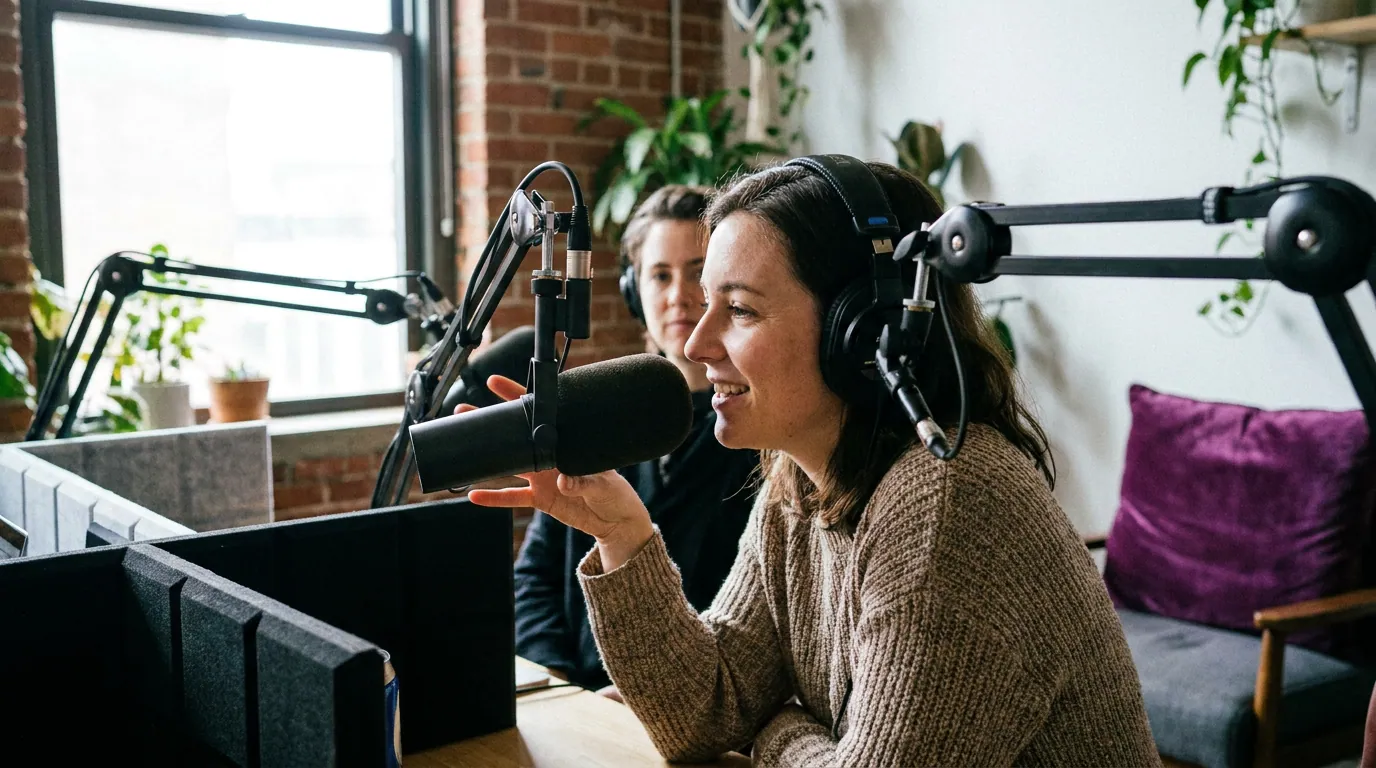
How do you stop plosives and P-pops on a podcast mic?
Angle the mic so it points past the corner of your mouth, not straight at it. Plosives, the burst of air on "p," "b," and "t", are a jet hitting the capsule head-on. Tilt the mic 20 to 30 degrees off-axis, or aim it just above or below your lips, and that air passes the side instead. The pop disappears and your voice stays full.
This off-axis trick is the single most useful thing a guest can know, because plosives are the one flaw a host genuinely cannot fix in the edit. A hard "p-pop" is a low-frequency overload that clips the recording; filtering it out also thins your voice. Prevention is the only real cure. A pop filter or foam windscreen helps, but most guests don't have one, and the angle works without any extra kit, which is the whole point of guest-side technique.
Two ways to angle it, depending on your mic:
- End-address mics (most podcast dynamics, Samson Q2U, Shure MV7+, Rode PodMic): you speak into the top, so don't put your mouth right above the grille. Tilt the mic 20–30 degrees so its top points just past the corner of your mouth, and talk across it rather than straight down into it. The Q2U is a handheld cardioid, much like a stage SM58, which is why this slight off-aim works (The Podcast Host).
- Aim high or low: position the mic slightly above your mouth pointing down at your lips, or just below pointing up. Air from a "p" exits roughly straight forward, so aiming off that line dodges it. (If you're on a side-address condenser like a Blue Yeti, the same idea applies, speak across the front of the capsule, not dead into it.)
Test it in ten seconds: say "Peter picked a perfect purple pepper" at your speaking volume and listen back on headphones. If the "p"s thump, angle more. If they're clean, you're set.
How do you keep your volume consistent without leaning into the mic?
Pick a posture you can actually hold, then anchor it. Guest audio swings loud-then-quiet because people lean in to make a point and drift back when they relax, so their distance, and their level, changes by the sentence. The fix isn't willpower; it's setting your chair, mic, and screen so your neutral, comfortable position already sits a fist away.
This is also where audio and video collide. Lean in to get closer to the mic and you crowd the camera, fill the frame with your forehead, then snap back out, and on a video show that lurching in-and-out is distracting and ruins the clip crop. The trick is to make your good mic distance and your good camera framing the same position, so staying put serves both. Sit back, bring the mic to you on its arm, and set the camera to frame your head and shoulders from there. Now "comfortable" and "correct" are the same spot.
Three anchors that keep you there:
- Set the mic arm so the mic comes to you, not you to it. Adjust the boom so the capsule sits a fist away when you're sitting back at rest. You should never have to reach toward it.
- Put the call window directly under your camera. When you watch the host on screen, your eyes, and your whole posture, stay aimed forward, not drifting down and away. It also keeps your apparent eye contact steady, which matters once the clip is cut.
- Plant your back against the chair. A simple physical cue. The moment you notice you've leaned forward, sit back to the chair and you're home. Say a few lines, sit back, repeat, until it's automatic.
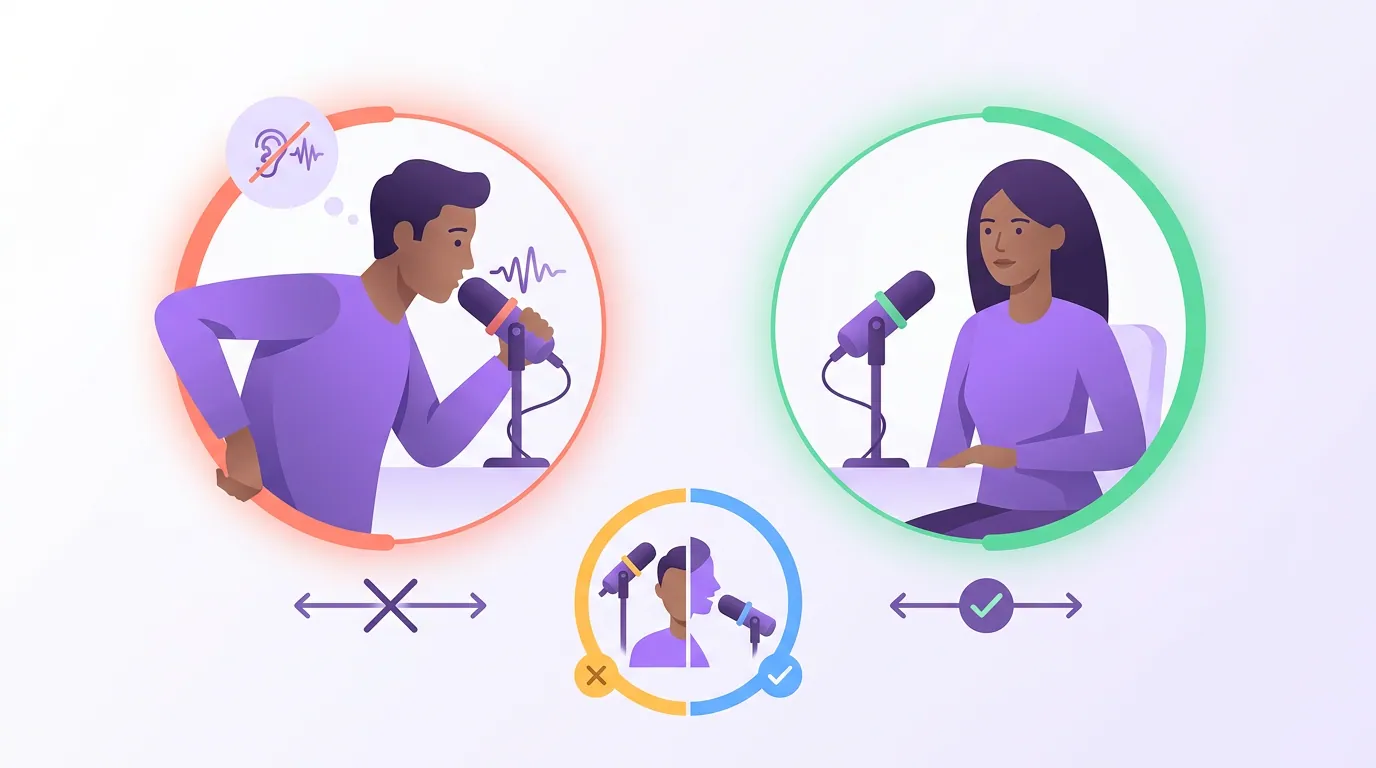
Common mic mistakes guests make (and the fix)
- Talking down at a desk mic. The mic sits on the desk pointing up, you speak forward over it, and it catches mostly your chin and the desk. Fix: raise it on a stand or arm to mouth height, a fist away, and angle it toward you.
- Centering the mic dead-on. Pointing it straight at your lips invites every plosive. Fix: rotate it 20–30 degrees so you talk across the grille, not into it.
- Drifting distance. Loud when you lean in, quiet when you sit back, a level that swings by the sentence. Fix: the posture anchor above. Set the mic so your resting position is the right distance.
- Gain too hot to compensate for being far. Cranking input gain to make a distant mic louder also amplifies room noise and hiss. Fix: get closer and turn the gain down; presence comes from distance, not gain.
- Forgetting the headphones. Without them, the host's voice leaks from your speakers into your mic and creates an echo that's effectively permanent on their track. Fix: any wired headphones, every time, this is foundational guest audio and video setup.
A quick note on remote calls: most of this still applies when you're recording over a remote interview platform, because the platform records your local mic at full quality. Your positioning is what it captures, so distance and angle matter exactly as much as they would in a studio.
Frequently asked questions
How close should I be to a podcast microphone? About a clenched fist away, four to six inches. That's close enough for the mic to hear mostly your voice and very little room, but far enough that you don't trigger the boomy proximity effect or catch every breath. Set it before recording and hold the distance by keeping a steady posture rather than leaning in and out.
Why do my P and B sounds pop on the mic? Plosives are bursts of air hitting the mic capsule straight on. Angle the mic 20 to 30 degrees off your mouth, or aim it slightly above or below your lips, so the air passes the side of the capsule instead of striking it. A pop filter helps, but the angle alone fixes most pops and needs no extra gear.
Should the mic point straight at my mouth? No. Pointing it dead-on is what causes plosives and an over-bright, sibilant sound. Speak across the front of the mic at a slight angle, roughly 20 to 30 degrees off-axis, so you get a full, present voice without the air pops. Listen back to a quick test on headphones and adjust the angle until the "p"s are clean.
Does mic technique matter if the host edits everything? Yes, because the two flaws editors can't fix are exactly the ones technique prevents: room sound from a far mic and plosives from a dead-on angle. A host can level your volume and cut your pauses, but they can't add presence to thin, distant audio or cleanly remove a hard pop without thinning your voice. Good positioning is the part only you control.
Related guesting guides
- Audio and video setup for podcast guests, the gear-by-budget and room checklist that surrounds this technique.
- Looking confident on camera as a first-time guest, what to do with the rest of you once the mic is set.
- How to stop saying um and like in an interview, the verbal side of sounding clean.
- A five-minute vocal warm-up before you record, get your voice ready before the mic ever matters.
- Podcast guest etiquette: the unwritten rules, the broader code beyond the gear.
- Remote podcast interview technique, applying all of this on someone else's call.