
Matching Two Different Cameras on a Podcast


To make two different cameras cut together, match four settings in this order: frame rate, then picture profile, then exposure, then white balance. Set both to the same fps, turn off any high-contrast "film" or HDR profile so both record flat-ish and neutral, expose your face to roughly the same brightness on each, and lock the same white balance number (in Kelvin) on both. Do that and a phone next to a mirrorless will cut cleanly.
The trap is thinking you need matching bodies. You don't. Most new video shows have exactly one decent camera and a phone, and that's a perfectly good two-camera rig, wide on the mirrorless, a tight second angle from the phone, or vice versa. What kills the look isn't the price gap between the two cameras. It's that they're shooting at different settings, so every cut between them jumps in brightness, color, or motion. Fix the settings and the gear gap mostly disappears. (If you're still deciding what the second body should be, our picks for a multi-camera video podcast and the wider camera-by-budget guide cover what's worth buying.)
Why do two cameras look so different on the same podcast?
Two cameras look different because each one makes its own automatic decisions about exposure, color, and contrast, and they rarely land in the same place. A phone leans warm and punchy to look good on a small screen; a mirrorless on auto exposes for the whole frame and may pick a cooler white balance. Put those side by side in a cut and the brightness shifts, the skin tone shifts, and the eye reads it as "wrong" even when nothing in the room changed.
This matters more than it used to because more of your audience watches the video. 53% of new US weekly podcast listeners now say they prefer to watch a podcast, up from 30% in April 2022 (Backlinko podcast stats). A jarring camera switch is the kind of small production tell that makes a show feel amateur, and most of your reach now comes through short vertical clips, where a hard cut between two mismatched angles is even more obvious on a phone screen.
The good news: the differences fall into four buckets, and they have a strict priority order. Some you must fix in-camera before you record because the edit can't undo them. Others you can nudge later. Work top-down.
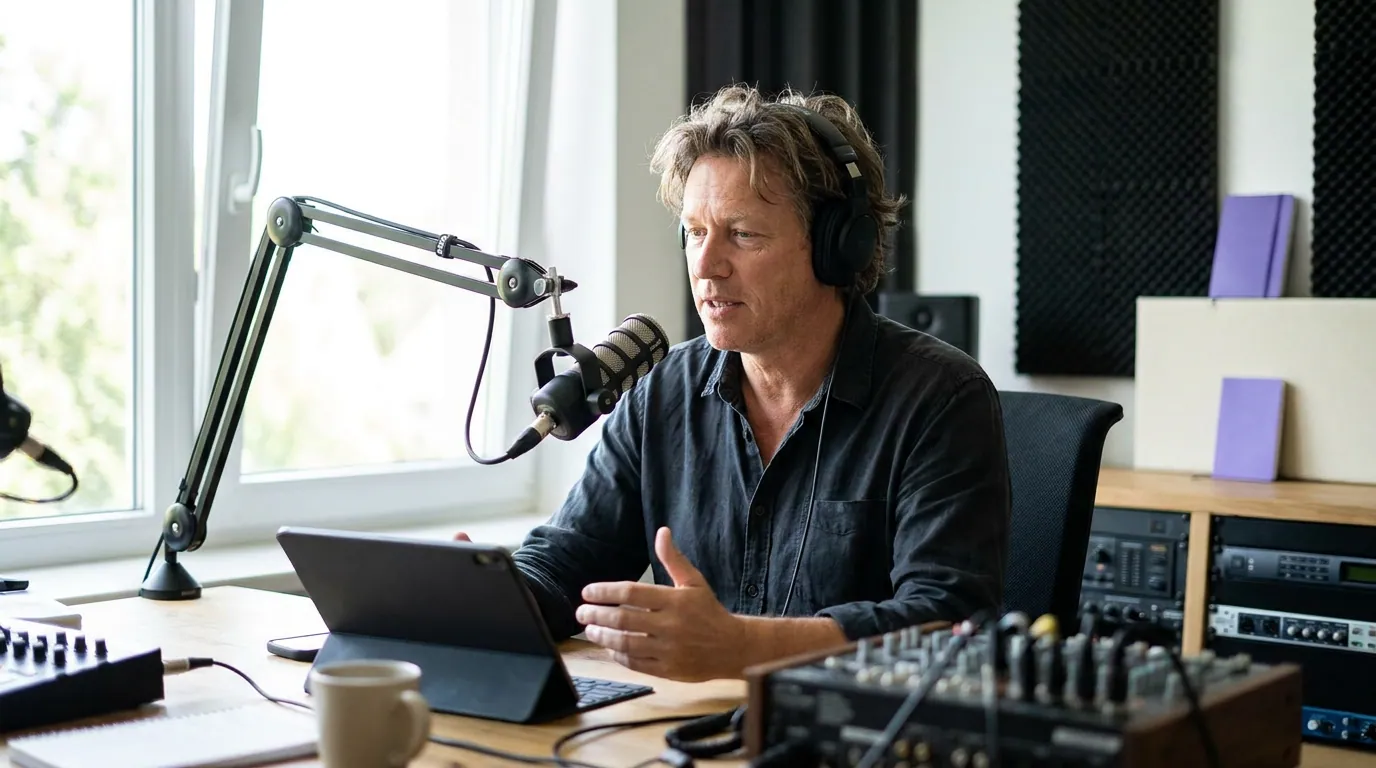
Step 1: Match frame rate (the one you can't fix later)
Set both cameras to the same frame rate before anything else, because it's the only setting on this list the edit genuinely cannot repair. If one camera shoots 24fps and the other 30fps, the two clips carry different motion, and dropping them on one timeline forces a frame conversion that either stutters or looks subtly soft on every cut. Pick one number and put both cameras on it.
For a talking-head podcast, 24fps or 30fps both work, just be consistent across cameras and across episodes. 24 gives a slightly more "cinematic" cadence; 30 is the safe default and what most phones default to. If your clips will go to TikTok, Reels, and Shorts, 30fps is the no-think choice. While you're in the menu, match the shutter, too: set it to roughly double your frame rate (1/50 for 24fps, 1/60 for 30fps) on both. A phone won't always give you manual shutter, which is fine, just don't let one camera sit at 1/1000 while the other is at 1/60, or the motion blur won't match.
One more: match resolution to whatever your lowest camera can do, usually 1080p or 4K. Recording your phone in 4K and your mirrorless in 1080p means one angle is sharper than the other on every cut. If the phone does 4K and the mirrorless only 1080p, shoot both at 1080p.
Step 2: Match the picture profile (record flat, grade once)
The biggest visible mismatch on a budget two-camera rig is color science, the camera's built-in "look." Phones apply heavy contrast and saturation to look good straight out of the box; a mirrorless on its standard profile is usually tamer. The fix is to turn off every strong look on both cameras and record as neutral as you can, then apply one correction to each in the edit.
Concretely: turn off HDR video on the phone (it bakes in a high-contrast look that's a nightmare to match and can play back wrong on some platforms). On the mirrorless, switch the picture profile from anything punchy to a neutral or "flat" setting, most bodies have a "Neutral" or "Flat" profile that lowers contrast and saturation. Don't reach for a true log profile (S-Log, V-Log) unless you already know how to grade it; on a podcast it's more rope than you need, and a phone can't match it anyway. Neutral on both is the sweet spot: enough room to nudge them together, not so flat that you're forced to color-grade.
This is where two cameras stop fighting each other. When both record close to neutral, matching them later is a small tweak per clip instead of a rescue job. It's the same logic as fixing the room before the camera, most "this looks bad" problems are upstream of the body, in the lighting and the settings, not the sensor.
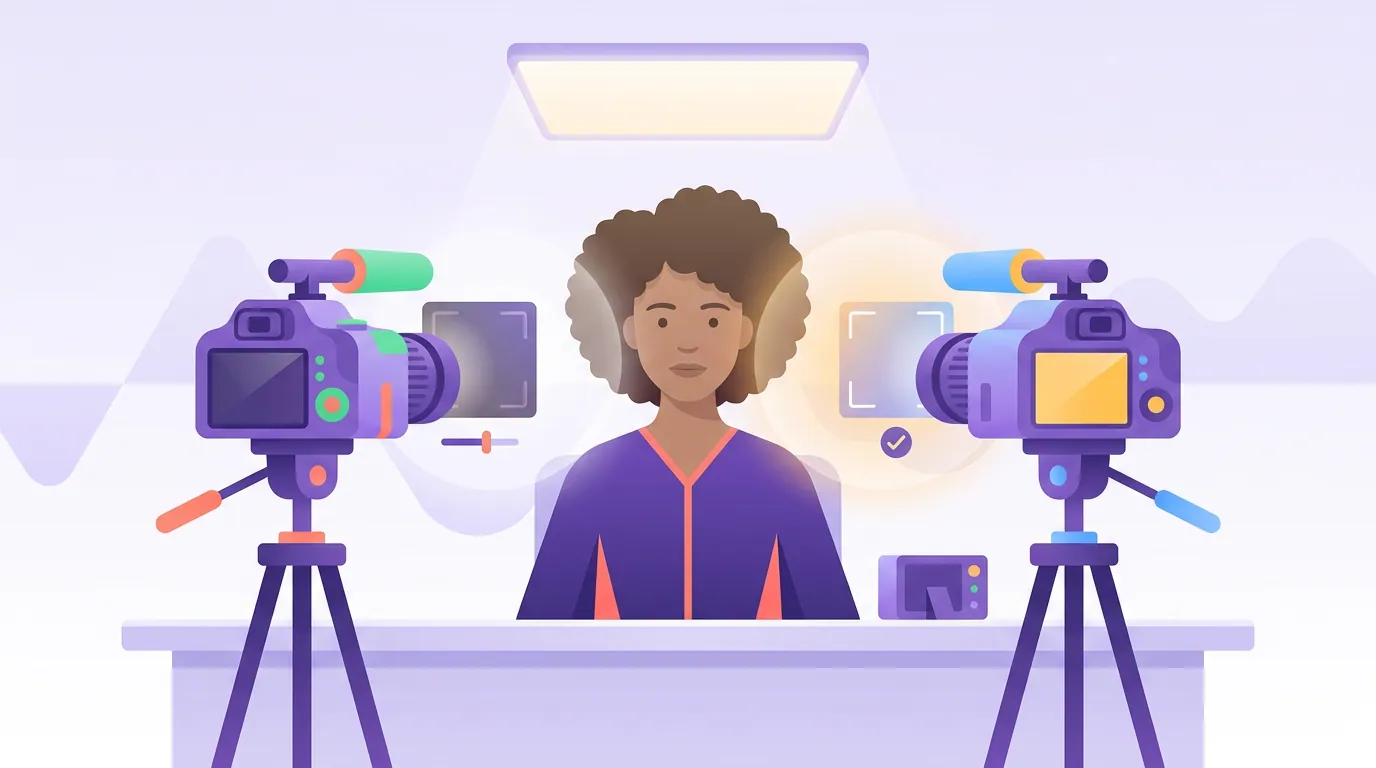
Step 3: Match exposure (same face brightness on each)
Expose both cameras so your face sits at the same brightness on each. Exposure is mostly an in-camera fix because pushing a too-dark clip brighter in the edit adds noise, and pulling a blown-out clip back rarely recovers detail. Get it close in the room and the cut won't flash light-to-dark.
The reliable method is to ignore the auto meter and judge the face. Sit in your real chair, look at each camera's screen, and adjust until your skin looks the same brightness on both, use the histogram or the zebra/exposure tools if your camera has them, but your eyes on the two screens side by side are enough. Lock it. Don't leave either camera on auto exposure: auto will drift mid-episode when you lean, gesture, or a co-host moves, and one camera will brighten while the other doesn't, breaking the match in the middle of a take.
If a phone won't let you set manual exposure in its stock app, tap to focus on your face, then use the exposure slider and lock it (on iPhone, press-and-hold to lock AE/AF). A free pro camera app gives you proper manual control and is worth installing if the phone is a real second angle.
Step 4: Match white balance (the forgiving one)
Set the same white balance, as a Kelvin number, on both cameras. White balance is last on the list because it's the most recoverable in the edit, but it's also the mismatch you'll see most often, because auto white balance on two cameras almost never agrees, and it drifts as you move. One camera goes warm, the other cool, and the cut jumps from orange to blue.
Don't use auto white balance. Pick a fixed Kelvin value that matches your lights and dial the identical number into both cameras, around 3200K for warm tungsten, ~5600K for daylight or daylight-balanced LEDs (B&H Photo's white balance primer). If you don't know your light temperature, set both to the same Kelvin anyway and adjust together until skin looks natural; matched-and-slightly-off beats unmatched-and-correct. A phone in its stock app usually hides manual white balance, so this is the strongest single reason to run a manual camera app on the phone angle.
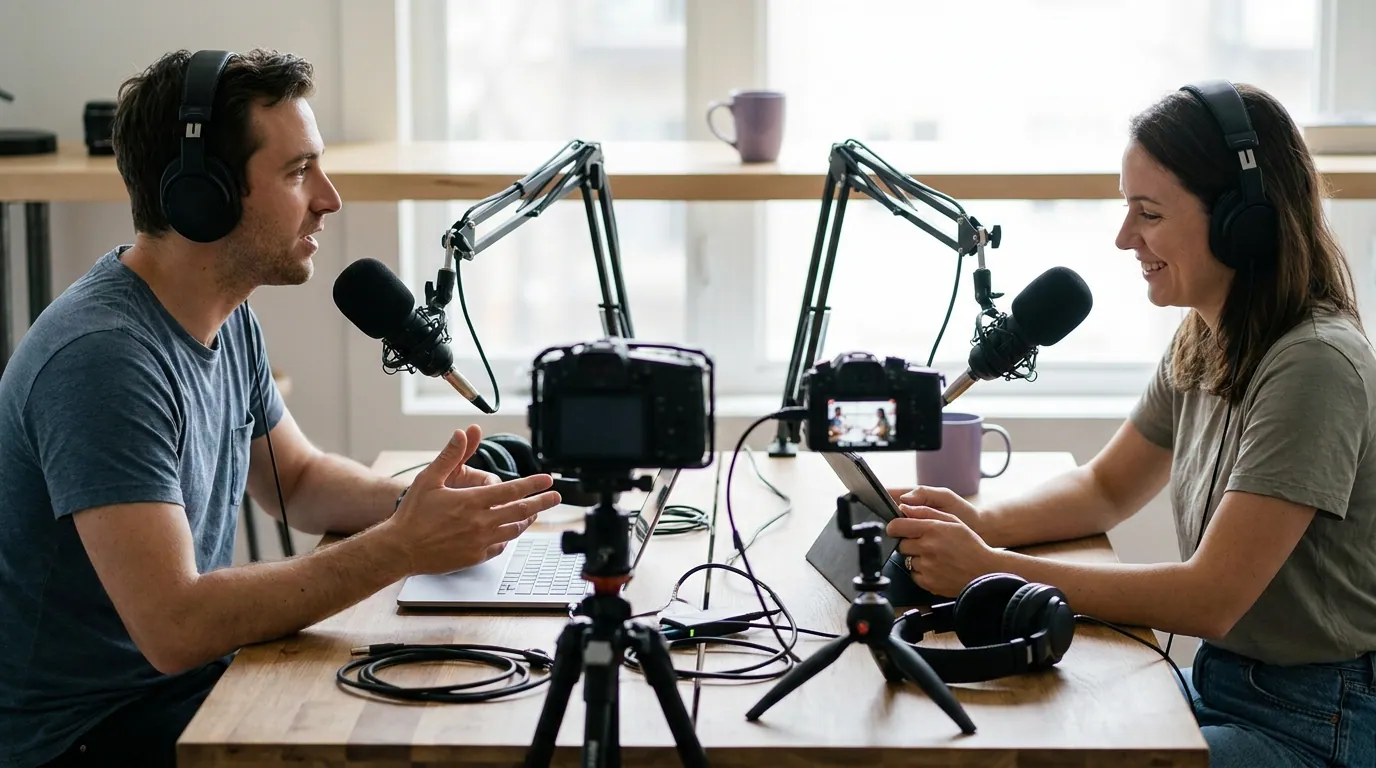
Common mistakes (and the fix)
- Leaving everything on auto "to keep it simple." Auto exposure and auto white balance drift independently on each camera, so the match breaks mid-episode even if it looked fine at the start. Lock both, on both cameras.
- Mismatched frame rates. The one error you can't edit your way out of. Confirm both cameras read the same fps before you hit record, check, don't assume the menu remembered.
- Recording the phone in HDR. It bakes in a contrast curve that won't match the mirrorless and can look washed out or oversaturated on playback. Turn HDR video off.
- One camera in 4K, the other in 1080p. The sharpness pops on every cut. Match to the lower of the two.
- Grading them in the edit but not together. Correct each clip toward the same target, same skin brightness, same neutral whites, not just "make each one look nice on its own." Side by side is the only test that counts.
- Forgetting audio. This guide is about the picture, but your podcast lives or dies on sound. Record audio separately to your mic, not the camera, and sync it, don't rely on either camera's onboard mic.
When even matched cameras still jump
Sometimes the settings are right and the cut still feels off. Usually it's framing, not color. If one angle is a tight close-up and the other is a wide two-shot, cutting between them works because they're different, but if both are roughly the same size, the cut looks like a glitch instead of an edit. Vary the shot size between your two cameras on purpose. A cut earns its place when it changes what the viewer sees, which is also why single vs multi-camera is really a question about whether a second angle gives you something the first can't.
The edit can rescue white balance and small exposure gaps. It can't rescue a frame-rate mismatch, a blown-out highlight, or HDR baked into one camera. That's the whole reason for the order: spend your in-camera minutes on the settings the edit can't touch, and leave the forgiving ones for cleanup. If you're shooting your first video podcast, run the four-step check once before every record until it's muscle memory.
FAQ
Can I mix a phone and a mirrorless camera on a podcast? Yes, it's the most common budget two-camera setup. Match frame rate, turn off the phone's HDR, set both to a neutral picture profile, expose your face to the same brightness on each, and lock the same Kelvin white balance. Use the phone for a second angle that's a different shot size than the main camera so the cut reads as an edit.
Do two cameras need to be the same brand to match? No. Brand doesn't matter; settings do. Two cameras from the same brand on different settings will mismatch, and two from different brands on identical settings will cut together fine. Match frame rate, profile, exposure, and white balance and the badge on the front is irrelevant.
What frame rate should I use for a two-camera podcast? Use 30fps if you're unsure, it's the phone default and the safe choice for TikTok, Reels, and Shorts. 24fps works too for a slightly more cinematic feel. The only rule that matters: both cameras must be on the exact same number, because the edit cannot truly fix a frame-rate mismatch.
Can I just fix the color difference in editing? Partly. White balance and small exposure gaps are recoverable in the edit. A frame-rate mismatch, a blown-out highlight, and HDR baked into one camera are not, those have to be right in-camera. That's why you match the un-fixable settings first and leave white balance for last.
Why does my second camera keep changing brightness mid-episode? It's on auto exposure, which re-meters as you move, gesture, or a co-host shifts. Switch that camera to manual exposure and lock it before you record. Same with white balance, auto will drift, so set a fixed Kelvin value on both cameras.