
How to Look Good on Camera for a Podcast


To look good on camera for a podcast, fix the controllable factors and ignore your face: put the camera at eye level, light the face with one soft source, sit close to a plain background, look at the person you're talking to, and wear solid mid-tone colors that don't blend into the wall. Almost none of "looking good" is about how you look, it's camera height, light, and where your eyes go.
This guide sorts every on-camera factor into two piles: things gear fixes once and things behavior fixes every recording. That split matters because hosts waste money solving habit problems with equipment, then keep looking awkward anyway. A better camera will not fix a low angle or a nervous stare. Knowing which pile a problem lives in tells you whether to spend an afternoon or a hundred dollars.
Why how you look on camera matters for a new show
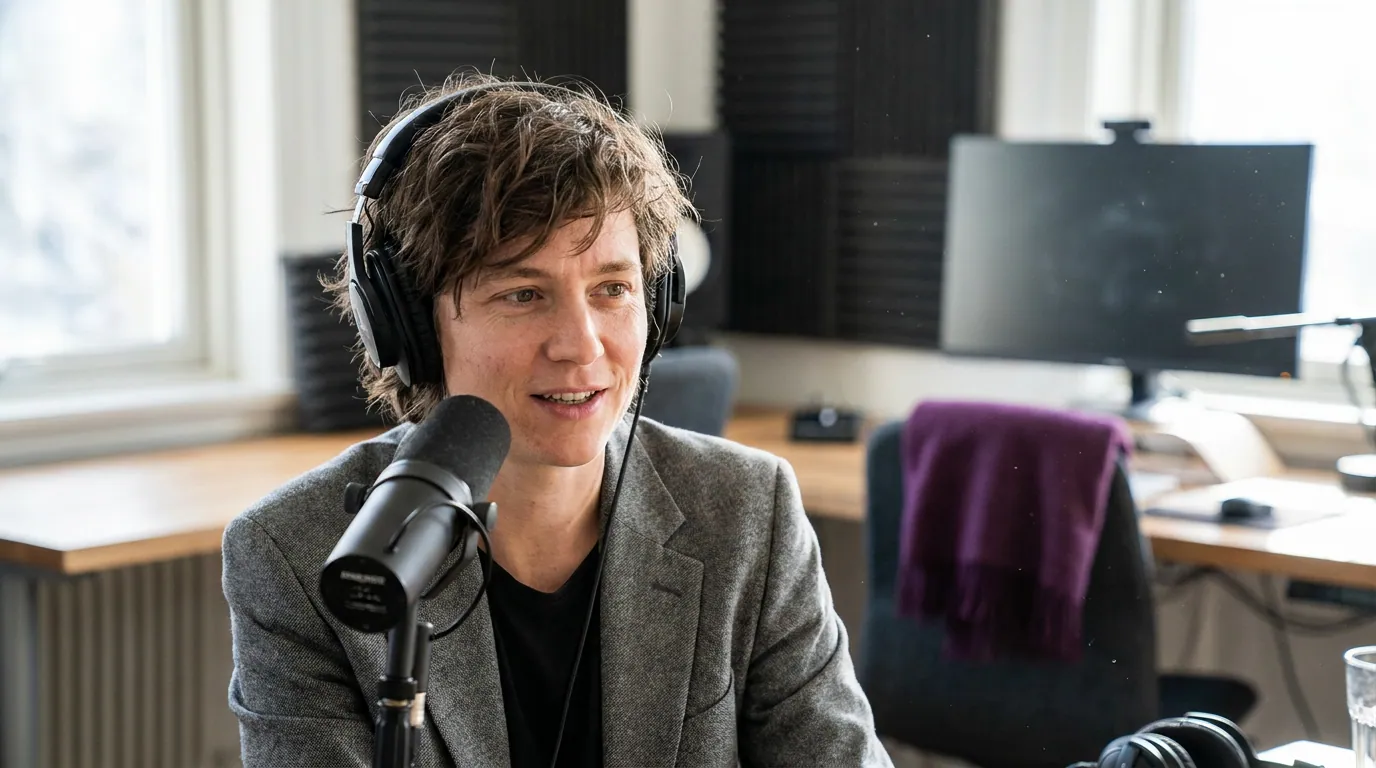
It matters because the audience most likely to discover a new podcast now expects to watch it, and a watchable host is the difference between someone staying for the clip and scrolling past. 53% of new US weekly listeners say they prefer to watch a podcast, up from 30% in April 2022 (Backlinko). When a clip of your show lands on someone's feed, the thumbnail and the first second are doing the work, and both are mostly about framing and light, not your features.
One honest framing before the tips: the goal here is not vanity, and it's not a glow-up. The goal is to remove the small distractions, a backlit silhouette, a hunched posture, an up-the-nose angle, that make a viewer's brain register "amateur" before they hear a word. Fix those and an ordinary face on camera reads as a confident host.
The split: what gear fixes vs what behavior fixes
Sort every problem into one of two columns before you do anything. The left column is solved once with position or a small purchase and then stays solved. The right column resets every time you sit down, no purchase fixes it, only a habit does.
The practical payoff: if your problem is in the left column, solve it this weekend and forget it. If it's in the right column, no amount of gear helps, you build it into a pre-record routine instead. Most hosts who "don't look good on camera" have actually solved zero of the left column and are blaming the right.
Gear and position fixes (do these once)
These four are set up once and stay solved. Get them right and you've handled the majority of "looking good" before you've thought about your face at all.
Put the camera at eye level
The single biggest fix is camera height. A camera below your eyeline looks up your nose and chin, which flatters no one and reads as a casual video call rather than a show. A camera above your eyeline makes you look small and deferential. Set the lens dead level with your eyes, raise a webcam on a stack of books or a stand, lower a tripod, whatever it takes. This costs nothing and fixes the most common on-camera complaint instantly.
Light the face with one soft source
A clear, evenly lit face does more for how you look than any feature you were born with. One soft key light, diffused, slightly above eye level, roughly 45 degrees to one side, beats overhead room light or a bare bulb every time. Overhead light drops shadows under the eyes and makes everyone look tired; a window behind you turns your face to silhouette. The honest gear truth: a $90 light improves how you look more than a $900 camera does. Our three-point lighting guide for a video podcast covers the full kit when you're ready to add a fill and a backlight.
Sit a few feet from a plain background
Put a plain, uncluttered wall a few feet behind you, not directly against your back. The gap creates separation so you don't look pasted onto the wall, and a clean background keeps the viewer's eye on your face. A busy shelf or a doorway pulls attention and crops badly when a clip gets reframed to vertical. If you want the background to do quiet work, depth, a hint of brand color, see framing and composition for a talking-head podcast.
Use a sharp lens, but don't overspend
A recent phone or a decent webcam in good light looks better than an expensive camera in a dark room, so handle light before you handle the camera body. When you do upgrade, sharpness and a flattering focal length matter more than megapixels. Our roundup of the best webcams for podcasting covers the sane options, and if you're weighing one camera against several, single versus multi-camera settles it before you over-buy. For the full first-time shoot sequence, how to film a video podcast the first time puts these in order.
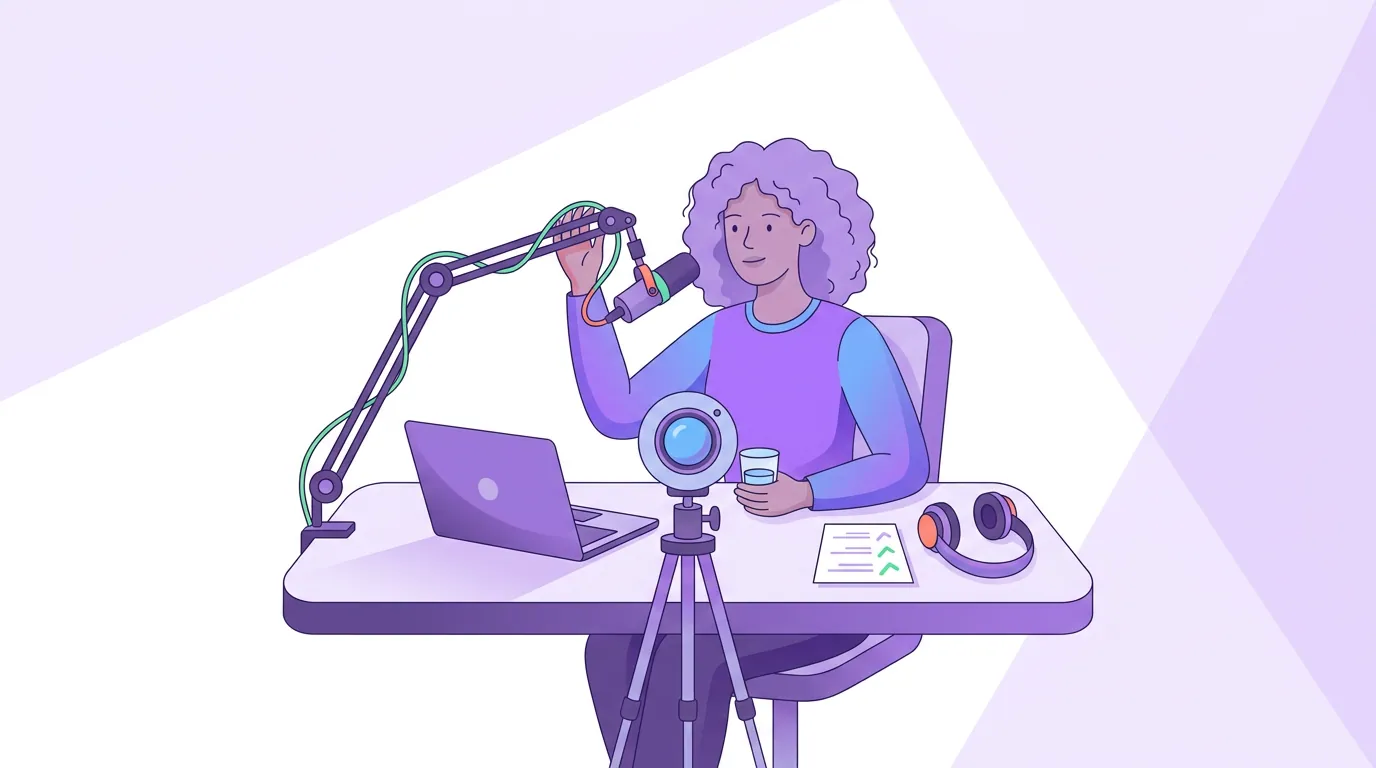
Behavior fixes (do these every recording)
No purchase fixes these. They reset the moment you sit down, so they belong in a short routine you run before every record.
Where to look during an interview
This trips up nearly every new host. When you're talking to a guest on a call, look at the guest on your screen, at the human, the way you would in person, not at the lens. Forcing eye contact with the camera while interviewing makes you look stiff and disconnected from your guest. Save direct-to-lens eye contact for the moments you're addressing the audience: the intro, the outro, a direct call to action. The rule is simple. Talking to a person, look at the person. Talking to the viewer, look at the lens.
Sit up, lean in slightly
Posture reads on camera louder than it does in a room. Sit tall, roll your shoulders back and down, and lean in a few degrees, leaning slightly toward the camera signals engagement, while sinking back reads as bored or unsure. Don't lock rigid; a little movement is human. If you talk with your hands, keep the gestures inside the frame, because hands flying out of shot are more distracting than no hands at all (talking with your hands while staying in frame has the specifics).
Wear solid mid-tone colors
Wardrobe is a behavior fix because you choose it fresh each recording. Three rules cover it:
- Avoid tight patterns. Thin stripes, small checks, and fine herringbone cause moire, that shimmering, vibrating distortion the camera sensor produces on repeating patterns. It's nearly impossible to fix later. Wear solids or large, loose patterns instead.
- Don't match the background. A white shirt against a white wall, or black on a dark backdrop, flattens you into the scene. Pick a color a step away from your wall so you stand out from it.
- Skip pure white and pure black. Bright white blows out under your key light and pulls the camera's exposure down, darkening your face; dead black swallows all detail. Mid-tones, a muted blue, green, burgundy, grey, sit easiest on camera and on skin.
Beat glasses glare with angle, not luck
Glasses glare is fixable without buying anti-reflective lenses. The cause is your light source bouncing off the lens straight into the camera. Two fixes, in order: raise your key light higher and push it wider to the side, so its reflection falls below the camera instead of into it; and tilt the temple arms of your glasses up slightly where they rest on your ears, which angles the lenses down and throws the reflection away from the camera. Adjust, glance at your preview, repeat until the glare's gone. It's a one-minute fix you redo whenever you move the light.
Common mistakes that make hosts look worse on camera
Five mistakes show up constantly. Each has a one-line fix.
- Camera below eye level. The up-the-nose angle. Fix: raise the camera to eye level, books, a stand, anything.
- Lit from above or behind. Tired eyes or a silhouette. Fix: one soft light in front, 45 degrees, slightly above the eyes.
- Staring at the lens during an interview. Reads as disconnected. Fix: look at your guest; save the lens for audience-facing moments.
- Busy or matching background. Distraction, or blending into the wall. Fix: plain wall a few feet back, in a color a step from your outfit.
- Patterned or pure-white wardrobe. Moire or a blown-out shirt that darkens your face. Fix: solid mid-tones.
A useful habit that catches all of these: record a 30-second test, watch it back, and adjust before the real take. Reviewing your own footage on a routine is the single fastest way to improve on camera, the self-review checklist for recordings turns it into a repeatable pass.
Frequently asked questions
How do I look better on a webcam for a podcast? Raise the webcam to eye level first, it's the biggest fix and it's free. Then put one soft light in front of your face at about 45 degrees, sit a few feet from a plain background, and wear a solid mid-tone color. Good light and eye-level framing make a basic webcam look far better than an expensive camera in a dark room.
Where should I look when recording a podcast interview on camera? Look at the person you're talking to on your screen, not at the lens. Forcing camera eye contact during an interview makes you look stiff and disconnected from your guest. Reserve direct-to-lens eye contact for moments you address the audience, the intro, outro, and any call to action.
What should I wear on camera for a podcast? Solid mid-tone colors, muted blue, green, burgundy, or grey. Avoid tight patterns like thin stripes and small checks, which cause shimmering moire that's hard to fix. Skip pure white (it blows out and darkens your face) and pure black (it loses detail). Pick a color a step away from your background so you don't blend in.
How do I stop glasses glare on camera? Move your light, not your face. Raise the key light higher and wider to the side so its reflection drops below the camera lens, then tilt the temple arms of your glasses up slightly so the lenses angle the reflection downward. Check your preview and repeat. You don't need anti-reflective lenses to fix most glare.
Does looking good on camera actually need expensive gear? No. The factors that matter most, camera height, light direction, background, where you look, posture, and wardrobe, cost little or nothing. A cost guide from Ausha puts a hobby podcast at roughly $100–350 in one-time equipment (Ausha), and on the video side your best return inside any budget is a soft light, not a pricier camera.
Solve the left column once, eye level, one light, plain background, then build the right column into a 60-second pre-record check: look at your guest, sit up, glance at your wardrobe and glasses on the preview. Looking good on camera isn't about your face. It's a setup you do once and a habit you keep.