
Shoot Horizontal, Frame for Vertical Clips


Shoot your podcast in 16:9 as normal, but compose every shot so the action lives inside the center vertical strip, only about the middle third of the frame width. That center column is exactly what a 9:16 crop keeps. Seat people there, leave a little extra headroom because the vertical crop trims more off the top, and keep gestures out of the side margins. Do that and one recording feeds your full episode and clean vertical clips with no fight.
The reason this matters before you press record: vertical clips are how most new viewers will first meet your show, and you can't fix bad source framing after the fact. 57% of listeners now rely on social media for podcast recommendations, the first time that surpassed friends and family (InsideRadio). If the people doing that discovering meet a clip where a head is sliced in half, the framing decision you made weeks earlier is the thing failing, not the editor.
How do you frame a horizontal recording for vertical clips?
Keep your subject inside the center vertical column of the 16:9 frame, because that is the only part a 9:16 crop preserves. From a 1920×1080 frame, a full-height vertical crop is just 608 pixels wide (1080 × 9÷16), about a third of the 1920px width. The two side strips it discards are wider than the column it keeps. Compose so faces, gestures, and any on-screen object you care about all sit inside that narrow middle.
This is a different job from standard talking-head framing, which optimizes the wide shot you'll publish on YouTube. Here you're satisfying two crops at once with one camera. The trick is to treat the center column as your real frame and the full 16:9 as bonus width, not the other way around.
Where do you seat people so both faces survive the crop?
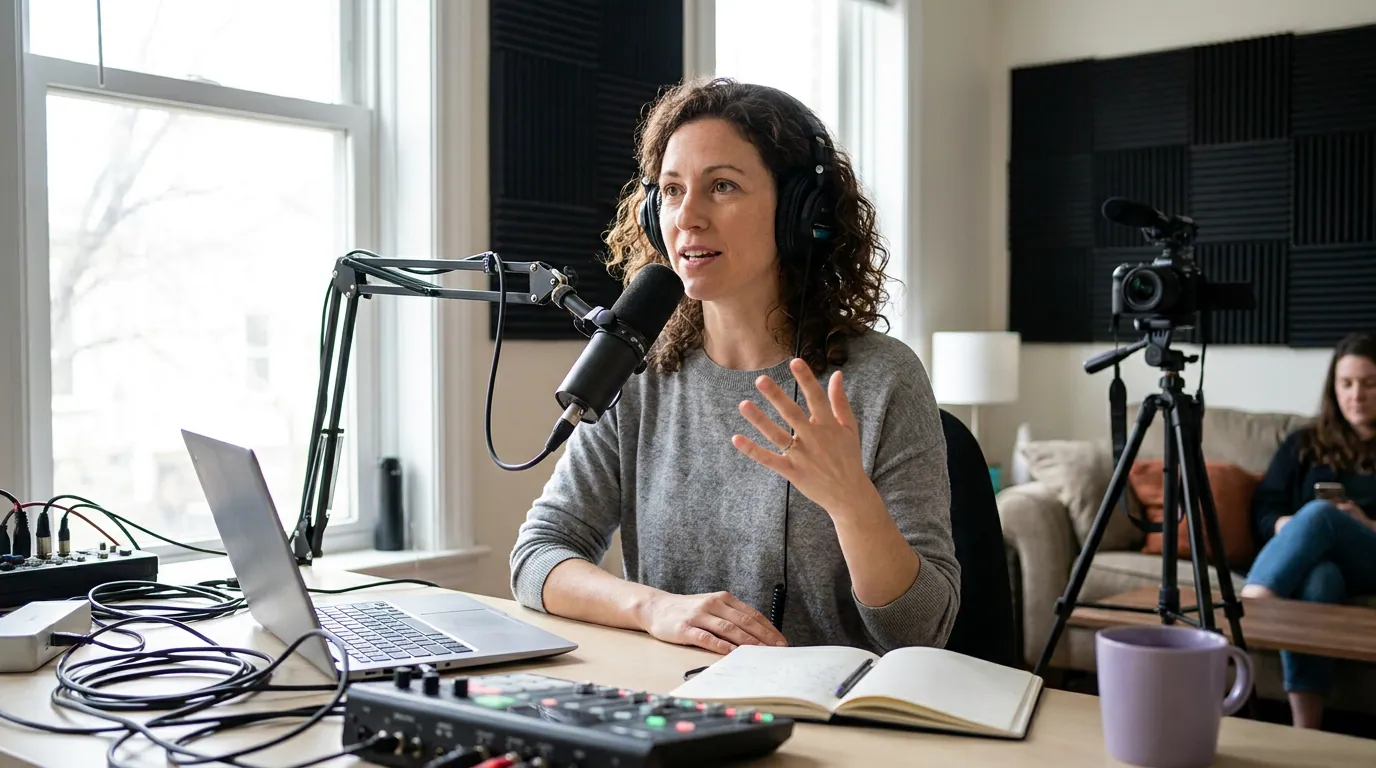
For a solo host, sit dead-center and you're done, the vertical crop centers on you automatically. For two hosts, the wide two-shot that looks balanced on YouTube is the exact framing that fails vertically, because both people sit near the edges where the crop slices them off. Pull the chairs in tight, angle them slightly toward each other, and keep both faces inside the center column.
The wide, generous two-shot is the single most common reason a recording can't be clipped vertically. On a 16:9 frame it reads as professional spacing; run a 9:16 box down the middle and you get a vertical clip of a shoulder and an empty chair. If you want both people in one vertical frame, they have to be physically close, closer than feels natural for the wide shot.
Three or more people almost never fit one vertical frame at once. Plan instead for a speaker-following crop, the clip tracks whoever is talking, which means each person still needs to be inside the column when it's their turn. If you're weighing how many cameras to run for exactly this reason, single versus multi-camera setups covers the tradeoff before you over-buy.
The headroom and caption math the crop eats
A 9:16 crop is taller than a 16:9 frame relative to its width, so as the editor crops the sides it also tends to push in on the height to fill the frame, which eats into your headroom and can crowd the top of your head. Compose with a little more headroom than the wide shot needs, so there's slack for the crop to take.
Then there's the bottom of the frame, which is not yours to use. The lower portion of a vertical clip is owned by two things: the platform's own interface (username, caption, like and share buttons, the progress bar) and your burned-in captions, which read best sitting low-center. Treat the bottom ~20–25% of the vertical frame as a no-go zone for anything that matters, no mouths drifting down there, no key gesture, no on-screen text you added in post. Muted viewing is the norm on a phone feed: Sharethrough's research found 75% of people keep their phone on mute even while a video plays (Sharethrough), so captions aren't optional, and they need that bottom strip clear to land.

Why frame for vertical at record time instead of fixing it later?
Because the source frame is the ceiling. An auto-reframe tool can only choose which part of what you recorded to keep, it cannot invent the half of a face that was never in shot, and it can't widen a two-shot that's too spread out. Get the composition right while recording and the crop becomes a non-decision; get it wrong and every clip is a salvage job.
There's a workload reason too. Publishing consistency is what keeps a show alive, and nearly half of all podcasts never make it past their first three episodes Amplifi Mediasummarizing podfade data). The fastest way to burn out is fighting every clip in post. One shoot that yields both your episode and clean vertical material, instead of two separate efforts, is how clipping stays sustainable. For the full shoot-day routine this fits into, see how to film a video podcast the first time, and for the wide-shot composition targets underneath all of this, framing a talking-head podcast.
Common mistakes when shooting horizontal for vertical clips
Five errors account for nearly every recording that won't clip cleanly. Each has a one-line fix.
- The generous two-shot. Hosts seated wide apart look balanced in 16:9 and vanish in 9:16. Fix: pull chairs in tight and angle them inward so both faces sit in the center column.
- Gesturing into the margins. Hands and props drift to the edges and get cropped out, so a reaction reads as a person waving at nothing. Fix: keep gestures inside the center column; rest hands toward the middle of the desk.
- No headroom slack. A tight wide shot leaves nothing for the vertical crop to take, so it crowds the top of the head. Fix: leave a touch more headroom than the 16:9 shot needs.
- Sitting too far from the lens. A distant subject is small in 16:9 and tiny once cropped. Fix: sit closer so your head fills more of the frame; the vertical clip needs a face it can read at phone size.
- Forgetting the bottom band. Mouths or on-screen text placed low get buried under captions and platform buttons. Fix: keep faces in the middle band and reserve the bottom ~20–25% for captions and UI.
What gear does this need?
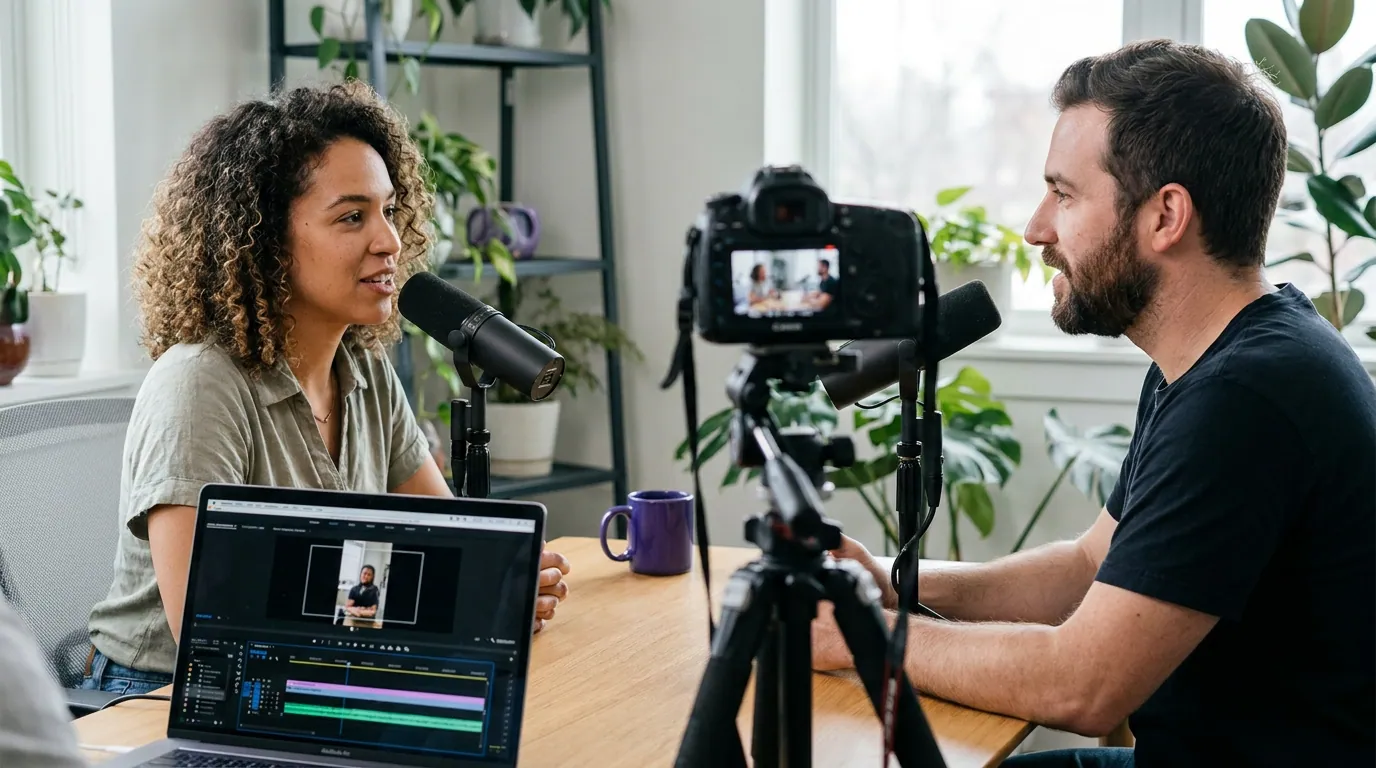
None you don't already have, this is a composition decision, not a purchase. It works the same on a phone, a webcam, or a mirrorless camera, because all you're doing is deciding where bodies sit relative to the center of the frame. The one cheap aid that helps: most cameras and recording apps can overlay a grid, and some can show a 9:16 guide; if yours can, switch it on and treat the center lines as your real edges. Good light makes the cropped face read better at small size, so three-point lighting for a video podcast does more for clip quality than a fancier sensor. And because a clip lives or dies on clear sound, a dedicated mic per speaker still matters, see best podcast mics by budget or a solid first mic under $100.
Frequently asked questions
Can I really get good vertical clips from a horizontal recording? Yes, that's the standard workflow for video podcasts. The catch is that the source has to be composed for it: subjects inside the center column, a little extra headroom, gestures kept off the edges. A 16:9 recording shot with the vertical crop in mind clips cleanly. One shot carelessly framed for the wide view alone usually doesn't.
How wide is the safe zone in a 16:9 frame? About the center third of the width. From a 1920-pixel-wide frame, a full-height 9:16 crop is only about 608 pixels wide (1080 × 9÷16) and centered, roughly 32% of the frame. Anything outside that narrow middle column is discarded when the clip is reframed, so keep faces, hands, and key objects inside it.
Should I record vertical separately instead? For most shows, no. Recording a second vertical camera doubles your setup, storage, and editing, and you still have to keep people in frame for both. Shooting one well-composed 16:9 and cropping to vertical is simpler and feeds the full episode and the clips from the same hour. A dedicated vertical camera only earns its keep at higher production scale.
Where should captions go on a vertical podcast clip? Low-center, sitting above the platform's interface but below the speaker's mouth, roughly in the bottom third without reaching the very bottom edge, where buttons and the progress bar live. Keep that bottom strip clear of anything important when you frame, so captions have room to land. Captions matter because most social video is watched on mute.
Does framing change for two hosts versus one? A lot. A solo host centers automatically in the vertical crop. Two hosts have to sit closer together and angle inward than the wide shot suggests, or one of them ends up cropped out. Three or more rarely fit one vertical frame, so plan for a speaker-following crop instead.
Compose for the center column, seat people closer than the wide shot wants, leave headroom slack, and keep the bottom band clear. Get those four right at record time and one recording quietly does two jobs, the full episode and the clips that bring new people to it.