
How to Get Background Blur on a Video Podcast


Background blur on a video podcast comes from three levers, not one: a wide aperture (low f-number like f/2.8), a longer focal length (50mm and up), and more distance between you and whatever is behind you. Pull any one of them and the background softens. Pull all three and it melts into the creamy look people call cinematic. The catch is that the same blur that flatters one host can leave the second one soft, so two-person shows need the math adjusted.
That word, "cinematic", does most of the damage in beginner advice, because it makes background blur sound like a quality you buy with an expensive lens. It is not. It is a physical effect of three independent settings, and once you can name all three, you can dial in exactly as much blur as you want with the gear you already have. You can also recognize the two times you should deliberately use less of it.
What actually creates background blur?
Background blur is shallow depth of field, and depth of field is just the slice of the scene that is in sharp focus front-to-back. A shallow slice means your face is sharp and everything behind it falls soft. Three things control how thin that slice is: how wide your aperture is, how long your focal length is, and how far your subject sits from the background (B&H Photo on depth of field).
They are independent, which is the useful part. If your lens won't open very wide, you can compensate with distance. If your room is small, you can compensate with a longer lens. You are not stuck with whatever blur your kit lens gives you by default, you are mixing three controls toward the look you want.
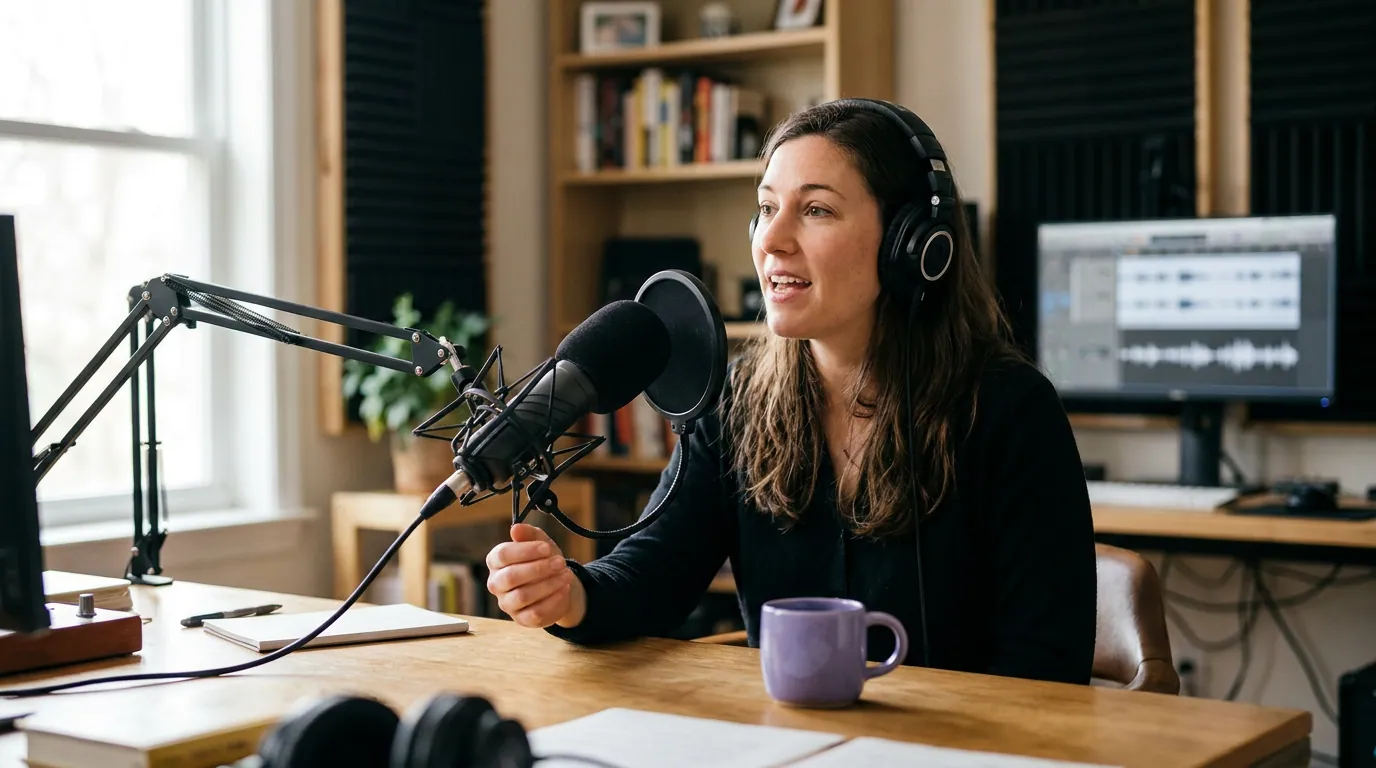
Lever 1, Aperture: the fastest dial
Aperture is the size of the opening that lets light into the lens, written as an f-number, and the rule reads backward from intuition: a lower f-number means a wider opening and more blur. f/1.8 blurs hard, f/2.8 blurs nicely, f/8 keeps almost everything sharp. For a single talking head, f/2.8 is the sweet spot, clearly separated background, your face still sharp, no fussiness.
This is the dial most people reach for first because it is one setting and the change is immediate. The limit is your lens. A kit zoom often only opens to f/3.5–f/5.6, which gives gentle blur at best. A 50mm f/1.8 prime, the lens crowd's "nifty fifty," typically around $125–$200 new for most mounts, is the single most cost-effective blur upgrade you can buy, and it doubles as a flattering portrait lens for a seated host. Just don't shoot a podcast wide open at f/1.8 by reflex; the focus slice gets so thin that leaning forward an inch can soften your own eyes.
Lever 2, Focal length: the lever beginners forget
Longer focal lengths compress the scene and exaggerate background blur, even at the same aperture (RED, Depth of Field). A shot at 85mm has a noticeably softer background than the same shot at 24mm, all else equal. This is why a portrait shot on a long lens looks "creamy" and a wide-angle shot of the same person against the same wall looks flat and busy.
For a video podcast, sit your camera back and zoom in to roughly 50–85mm (or the crop-sensor equivalent) rather than putting a wide lens close to your face. You get more blur and a more flattering, less distorted face, wide lenses up close stretch noses and foreheads. The trade is room: a long lens from far away needs floor space, which is exactly the constraint that bites in a small room. More on that below.

Lever 3, Distance: the free one
The third lever costs nothing: move yourself farther from the background. Depth of field is measured around your focus point, so the farther the wall is from you, the more out-of-focus it falls, even with a modest lens and aperture. A host sitting two feet from a bookshelf will keep the shelf annoyingly legible; the same host six feet from it gets soft, pleasant separation for free.
This is the lever to lean on when your gear is limited. Can't open past f/4 and only have a short lens? Pull your chair four to six feet off the back wall and the background softens anyway. The reverse is the most common self-inflicted wound in home setups: backing right up against the wall to "save space," which guarantees a sharp, distracting background no matter what lens you own. Plan this when you set your shot framing and composition, depth in the room is a composition decision, not an afterthought.
The two-person problem: keeping both hosts sharp
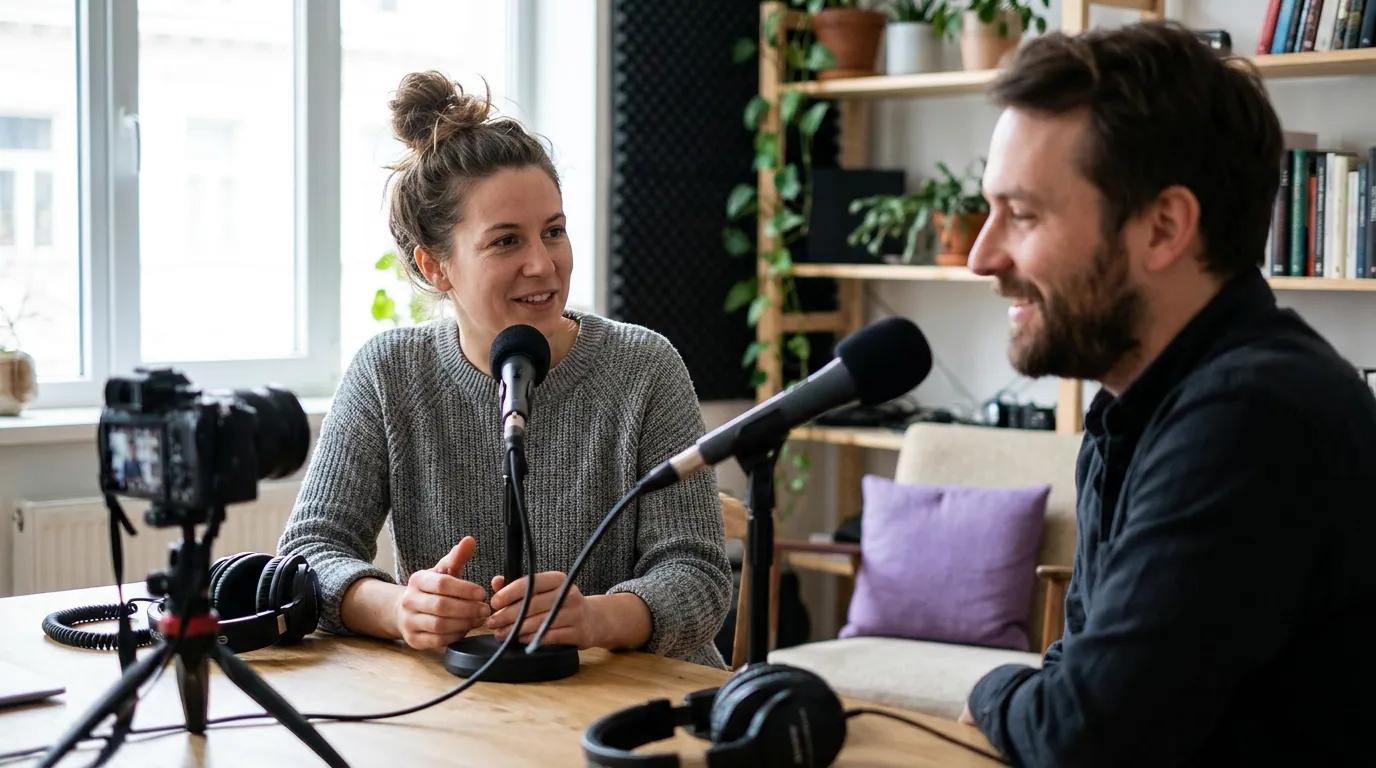
Here is where most blur advice quietly breaks. The wide aperture that gives one host a gorgeous soft background will leave a second host soft too, because two people seated side by side sit at slightly different distances from the lens, and your thin focus slice can only hold one of them. Shoot two people at f/1.8 and one of you is always a little out of focus, or worse, the autofocus keeps racking back and forth between you mid-conversation.
The fix is to give up a little blur for a deeper focus slice. Close the aperture to around f/4 for two seated hosts so the plane is deep enough to hold both faces, then recover your background separation with the other two levers, sit farther from the wall, and zoom in a bit. You still get a soft, clean background; you just bought it with distance and focal length instead of a reckless aperture.
If your show is built around two or more hosts, the deeper focus need is one of the real arguments for thinking through your single vs multi-camera setup, separate cameras let each person have their own tight, blurred shot at a wide aperture, sidestepping the shared-focus-plane problem entirely.
When background blur hurts
Blur is a tool, not a quality score, and there are situations where chasing it makes your podcast worse. Three to watch for.
Small rooms. Blur needs distance, and a small room can't give it. If your back is four feet from the wall in a tight space, you physically can't open up the separation, and forcing a wide aperture just makes your own face fragile to focus while the wall stays half-legible. In a small room, light the background well, keep it tidy, and accept a sharper backdrop, a clean, in-focus shelf beats a wall that is neither blurred nor interesting.
Busy hands and gestures. A very shallow focus slice punishes movement. If you talk with your hands or lean in and out, at f/1.8 your hands and your face keep drifting out of the sharp zone, and continuous autofocus hunts to catch up, the "breathing" wobble viewers feel even when they can't name it. Stop down to f/4 or higher for animated hosts so the slice is deep enough to forgive motion.
When the background is the point. If you record in front of branded signage, a product wall, or a set that does storytelling work, blurring it away wastes it. Keep enough sharpness that the thing you built on purpose is readable.
Why any of this matters for a podcast
People increasingly expect to watch a podcast, not just hear it: 53% of new US weekly listeners say they prefer to watch over only listening, up from 30% in April 2022 (Backlinko, citing Cumulus Media). That shift is the whole reason a first video setup is worth the effort. A controlled, separated background is part of what makes a shot read as "produced show" rather than "webcam call," and that read happens in the first second or two as someone decides whether to keep watching a clip.
But keep the effect in proportion. Background blur is a finishing touch, not a foundation. A well-lit room with a tidy, sharp background beats a badly lit room with mushy bokeh every time, and audio matters more than either, viewers forgive a plain backdrop long before they forgive bad sound. Sort your three-point lighting and your mic (start with a solid budget podcast mic under $100) before you spend on a fast lens. Blur is the cherry, not the cake.
FAQ
Can I add background blur in editing instead of with the camera? You can, and AI background blur in editing software has improved a lot, but it still struggles with edges, hair, glasses, and moving hands get a telltale halo or smear. Real optical blur from the lens looks cleaner and costs nothing per clip. Use software blur as a rescue for footage you already shot flat, not as your plan A.
What's the cheapest way to get real background blur? Two free or near-free moves first: sit four to six feet off the back wall, and zoom your lens in rather than shooting wide. If you want to spend, a 50mm f/1.8 prime usually runs about $125–$200 and gives the biggest blur jump for the money on most camera mounts.
Why does my webcam never blur the background? Webcam sensors are tiny and the lenses are wide and fixed, which is the opposite of every blur lever. Some webcams and apps fake it with software, with the usual edge artifacts. To get true optical blur you need a larger-sensor camera (a mirrorless or DSLR) with a fast lens, see our roundup of the best cameras for a video podcast by budget.
Is f/1.8 always better because it blurs more? No. f/1.8 gives a focus slice so thin that a single host who leans in can soften their own eyes, and with two people one host is always soft. For most podcast shots f/2.8 (one host) or f/4 (two hosts) gives plenty of separation with focus you can actually keep.
Building your video setup from the ground up? Start with filming a video podcast for the first time, then dial in your framing and composition.