
How to Build a Fan Page for Your Podcast


Give your fans one home base, separate from your feed, that holds the whole show in one place. Stock it with five things: show identity and listening links, the full episode archive, episode lore, a guest index, and fan submissions. Then host it on a community-editable wiki so fans, not you, keep it current.
Here is the part most "make a fan page" advice gets wrong: you do not write a fan page about yourself. By definition a fan page is built by the audience, not the host. Your job is narrower, make the show simple to gather, seed the page with a real starting structure, and choose a format fans can maintain without you. Do that and a living reference page about your show appears and stays current. Author and host it yourself and you have just signed up for a second website to update every week.
Why build a fan page when you already have a feed and socials?
Because your feed and your socials are rented, scattered, and chronological, a fan page is owned-by-the-audience, consolidated, and permanent. A new listener who hears your name searches for it once. They should land on one page that holds every episode, every guest, and every link, not a maze of "find it on Apple, then Spotify, then YouTube."
The feed answers "what's the latest episode" and buries episode 4 under episode 84. Social profiles answer "what did they post this week," then scroll the rest away. Neither is built to be the canonical home for the show as a whole. A fan page is the missing layer: the reference shelf a person reaches for after a clip introduces them.
The stakes are real because discovery has moved off the apps. 57% of listeners now rely on social media for podcast recommendations, narrowly ahead of friends and family at 54% (Inside Radio). A clip sends a stranger searching; a fan page is where the search should land and convert into a subscription. One honest caveat: a fan page does not generate discovery on its own. It catches the interest your clips and episodes create. Skip it and you leak warm traffic into a dozen half-finished profiles.
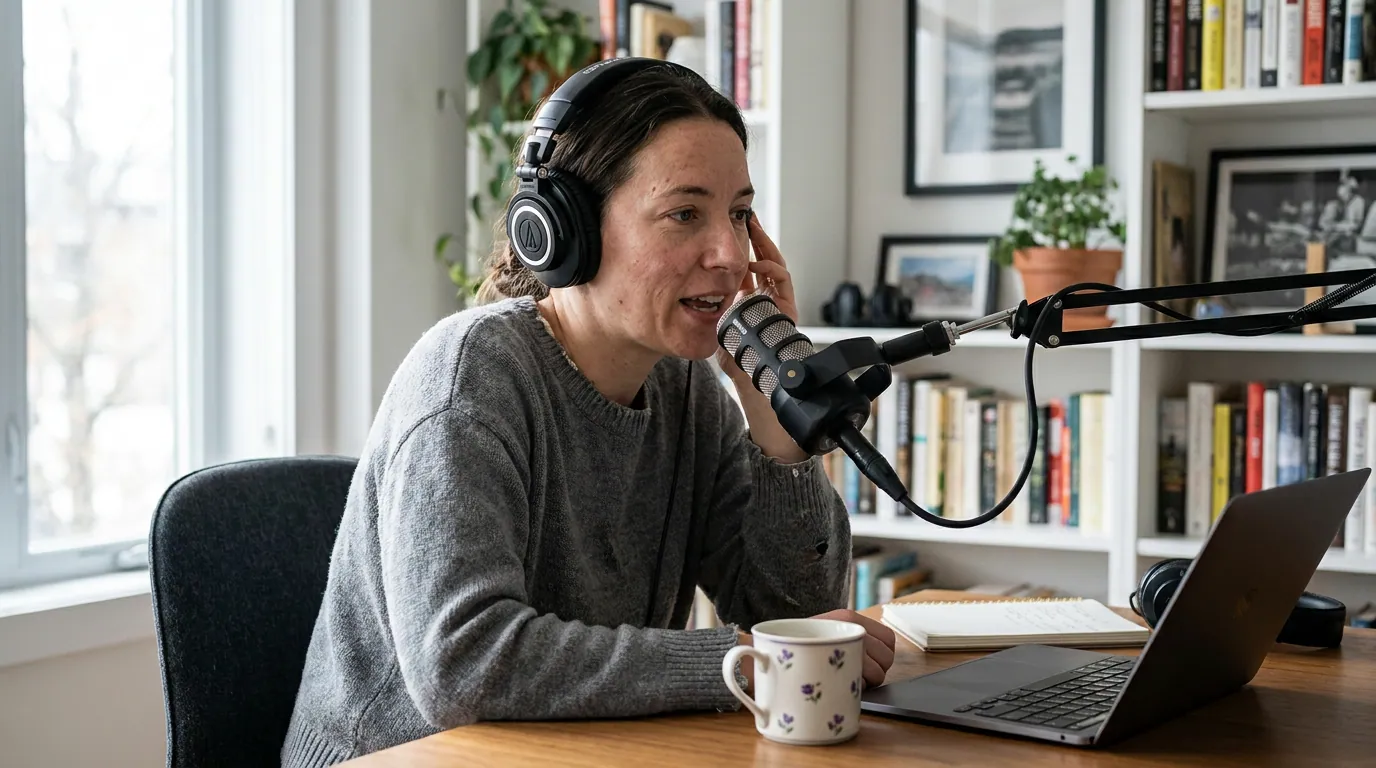
The five sections a fan page should contain
A bookmark list is not a fan page. The difference is structure. Build it in five sections, in this order, the first two are foundation a search engine and a new listener need; the last three are the parts only a community can keep alive, and the reason fans show up at all.
- Show identity and listening links. The name, the artwork, a one-line description of what the show is, and every place to listen and follow. This is the platform-neutral hub: one URL that works whether the visitor uses Apple, Spotify, or YouTube. Most of this data already lives in your RSS feed, title, artwork, description, so a fan page is, in practice, that feed turned into a human-readable home.
- The full episode archive. Every episode, oldest to newest, not just the last ten. The feed carries this list already; the fan page makes it browsable instead of buried. This is the part your own feed and apps handle worst, because they are built to surface the new, not to hold the whole.
- Episode lore. This is where a fan page stops being a directory and becomes a destination. Running jokes, callbacks, "the episode where the guest cried," corrections, the timestamp of the moment everyone quotes. You cannot write this convincingly about your own show. Fans living inside it write better lore than the host who is too close to it.
- A guest index. Every guest, the episode they were on, and their links. For interview shows this is the single most-searched section, people remember "the one with the neuroscientist" before they remember the episode number. A clean guest index turns one search into a path through your whole back catalog, and it is exactly what a show that grows by booking guests first needs as its public record.
- Fan submissions. Favorite clips, pull quotes, fan art, episode requests, a wall of recommendations. This is the section that gives fans a reason to come back and contribute, which is what makes the whole page self-sustaining instead of a thing you maintain alone.
The order matters. Sections 1 and 2 make the page real and findable on day one. Sections 3 through 5 are what make it a fan page rather than a link tree, and they are precisely the parts you should not, and largely cannot, write yourself.
Who actually maintains it: the maintenance-burden rule
Build the page on a foundation that lets other people edit it, or it dies the week you get busy. The decision that determines whether a fan page survives is not what goes on it, it is who keeps it current. A page you alone can edit becomes stale the first time you skip a week. A community-editable wiki spreads the work across the people who care most.
This is why a community-editable wiki beats a hand-built site for most shows. A wiki gives you the structure, an episode guide, character or people pages, a category for lore, and an open "anyone can edit" model that hands the upkeep to the people who care most. The format already exists in the wild: the My Favorite Murder wiki runs a fan-built episode guide, a cases list, and host pages for a non-fiction comedy show, while the Magnus Archives wiki documents a 200-episode fiction podcast down to a character roster and an in-universe timeline, both stamped "a community site that anyone can contribute to." Fandom alone hosts wikis for Welcome to Night Vale, Stuff You Should Know, The Adventure Zone, and dozens more. The wiki is the reference shelf; your episodes are the thing it references.
The honest trade-off: a wiki is harder to control. Fans may add a correction you would have phrased differently, or a take you disagree with. That is the cost of a page that maintains itself, and for most shows it is a good trade, a slightly imperfect page that stays current beats a perfectly worded one that froze in March.
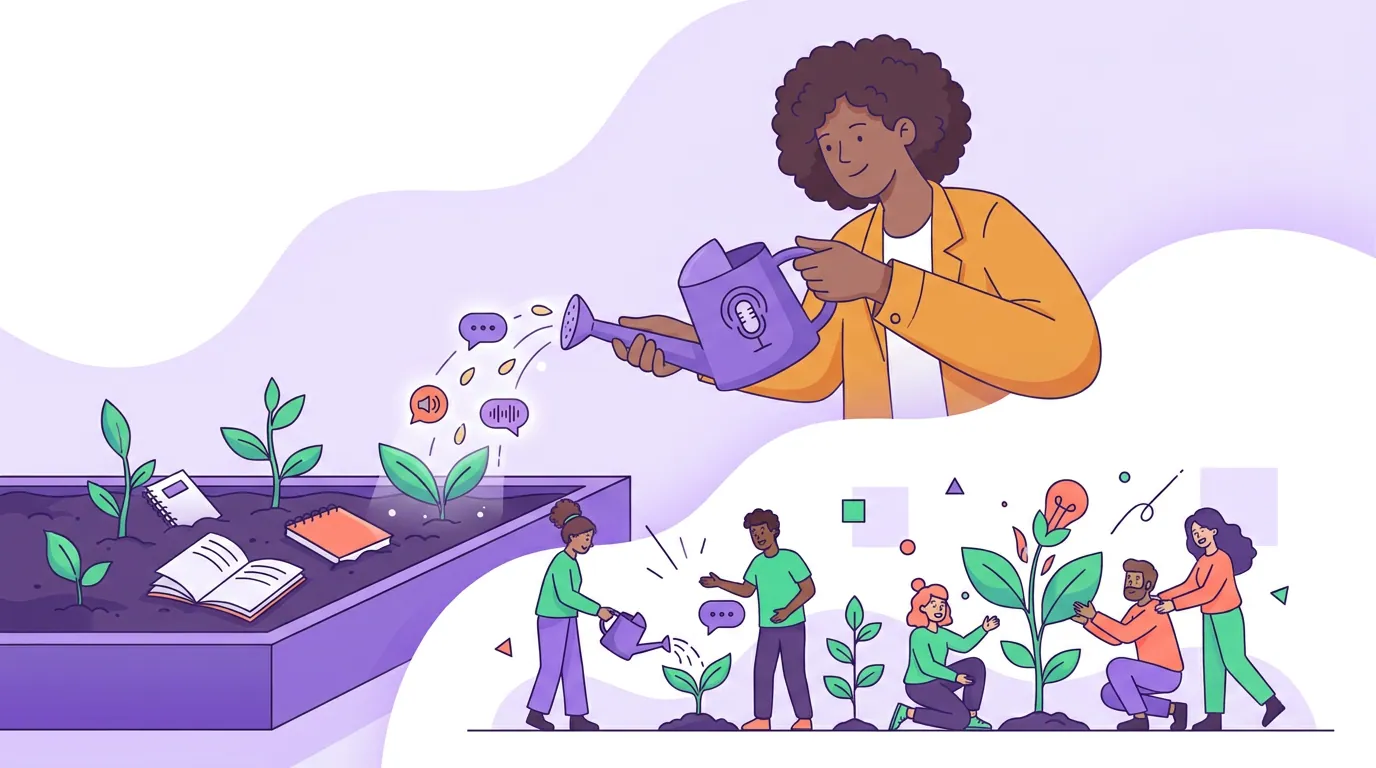
How to seed it so fans actually contribute
A fan page with empty lore and guest sections reads as dead, the same way a new community channel does. The fix is the one that gets a quiet listener Discord talking: do not announce an empty room. Seed it first, then open it.
- Set up the foundation yourself. Fill sections 1 and 2, identity, links, and the full episode list, before anyone sees the page. Paste your episode titles and dates straight from your RSS feed into the wiki's episode guide so the archive is complete on day one; fans extend it from there.
- Plant the first lore and guests. Add three or four lore entries and index your last handful of guests by hand. You are modeling the format, not finishing it. People edit a page that already has a shape; they bounce off a blank one.
- Point your most-engaged listeners at it. The people who reply to every episode will add the running jokes and corrections you would never think of. Ask them directly: "I started a page for the show, would you add the bits I always forget?"
- Carry the link on the format that travels. A link in show notes converts almost nobody; a clip on social reaches people you cannot message. Put the fan-page link in your clip captions and episode outros. Posting clips consistently can raise a show's reach two to five times (Podcast Studio Glasgow), and a slice of that reach lands on the page.
The loop closes the way every discovery loop does: the clip does the reach, the page does the consolidation, and a captured email does the keeping. Pair the page with an email list you actually own so that a fan who finds the page can also become a subscriber you can reach directly, a server or a wiki can change its rules, an email address cannot.
Common mistakes when building a podcast fan page
- Writing the fan page as the host. A page you author about yourself is an official site, not a fan page, and it reads like a press kit. Set the structure, then let fans fill the lore and submissions. The voice that makes a fan page work is theirs.
- Hosting it somewhere only you can edit. A custom site you alone update is a maintenance trap. Choose a community-editable format so the page survives your busy weeks, the whole point is to take the upkeep off your desk.
- Stopping at links. A page of listening buttons is a link tree, not a fan page. Without lore, a guest index, and fan submissions, there is no reason to return. Those three sections are the destination; the links are the front door.
- Launching it empty. Blank lore and guest sections signal a ghost town. Seed a few entries first, then invite contributions, exactly as you would seed a community before announcing it.
- No path from page to subscription. Traffic that lands and leaves is wasted. Put a clear listen-and-follow block at the top and offer a lead magnet so the visit converts into a relationship you can nurture by email, not just a pageview.
FAQ
Should I make a fan page for my own podcast? You should make it easy for one to exist, not author it yourself. A page built and maintained by the host is an official site. The move is to keep a clean feed and consistent show name, seed a structured page on a community-editable wiki, then hand the lore, guest index, and submissions to fans. That is a fan page; a page about yourself is marketing.
What's the difference between a podcast fan page and a fan wiki? A fan page is a structured entity hub that consolidates one show's episodes, people, and links in one place. A fan wiki is collaboratively edited and built to document a show in depth, lore, episode breakdowns, guest histories. In practice a community-editable wiki is the easiest way to host a fan page, because it gives you the structure and lets fans maintain it.
Where should I host a podcast fan page? A community-editable wiki is the lowest-maintenance option, because it gives you a ready structure, episode guide, people pages, lore categories, and lets fans add and correct the rest. A hosted wiki platform such as Fandom or a self-run MediaWiki/Miraheze install works; you seed the format, the crowd keeps it current. A self-hosted custom site gives more control but puts every update on you, which is why most go stale.
How do I get fans to contribute to the page? Seed it first, then ask your most-engaged listeners directly. Fill the identity, links, and episode archive, plant three or four lore and guest entries to model the format, and invite the handful of people who already reply to every episode to add the rest. Then carry the link in your clips so new arrivals keep the contributions flowing.
Does a fan page actually help a podcast grow? It helps you keep and convert the interest your clips and episodes create, it does not generate discovery on its own. A listener who hears your name searches it once, and a consolidated page that holds the whole show converts that search better than a scatter of half-finished profiles. The clip drives the reach; the page catches it.