
B-Roll for Video Podcasts Without Overdoing It


B-roll in a video podcast should do one of exactly three jobs: illustrate something concrete you're describing, hide an edit you had to make, or break up a long stretch of two heads talking. If a cutaway does none of those, leave it out. The mistake most new shows make is treating b-roll as decoration to sprinkle everywhere, and that's the version that drives viewers away.
Restraint is the whole skill here. A talking-head podcast lives on faces; the eye contact, the reactions, the moment a guest gets uncomfortable. Cut away from that too often and you trade the most engaging thing on screen for stock footage of a city skyline. This guide gives you a decision rule for every clip, a dosage band you can actually measure, and a 20-minute shot list that covers most episodes without a single download from a stock site.
What is b-roll in a podcast, and do you even need it?
B-roll is any footage that isn't the main talking-head shot, cutaways to your hands, the room, a product you mentioned, a graphic, or supplementary video. Most video podcasts need very little of it. You need enough to cover edits and add occasional rhythm, not enough to turn a conversation into a slideshow.
The stakes are real because the format has gone visual. More than half of new US weekly podcast listeners now prefer to watch a show, 53%, up from 30% in April 2022 (Backlinko, podcast stats), and YouTube alone reported more than a billion monthly podcast viewers in early 2025 (Variety). Viewers are watching, which is exactly why the temptation to "make it more produced" is dangerous. They came to watch people talk. B-roll is seasoning, not the meal.
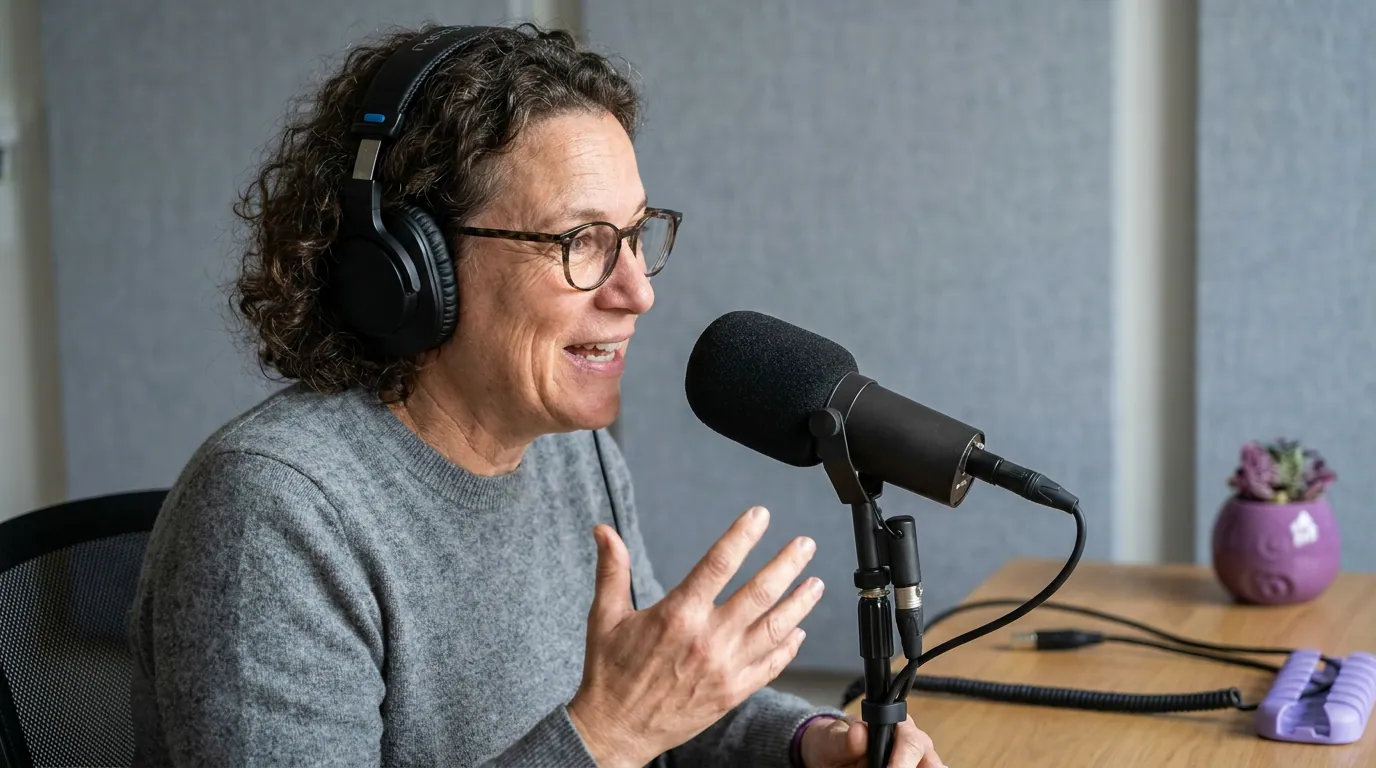
The three jobs b-roll should do (and the rule that kills the rest)
Every cutaway you keep has to earn its place by doing one of three things. Run each candidate clip through this rule before it goes in the timeline, and you'll cut roughly half of what you were tempted to use.
Job 1: Illustrate a concrete thing
Use b-roll when you name something specific the viewer would benefit from seeing. A guest mentions the book they wrote, cut to the cover for two seconds. You reference a chart, a product, a screenshot, a place. The test is literal: is there a concrete object or image tied to the words right now? If you're discussing an abstract idea like "trust" or "burnout," there's nothing to illustrate, and a moody stock clip of someone staring out a window adds nothing but distance.
Job 2: Cover a cut
This is the workhorse, and the most invisible. When you trim a tangent, fix a flubbed sentence, or splice two takes, the picture jumps. Laying a half-second of b-roll across that splice hides the discontinuity so the conversation flows. On a multi-camera show you'd cut to the other angle; on a single-camera show, a cutaway to hands or the mic does the same job. If you record one camera, this is the reason to capture any b-roll at all, see single vs multi-camera podcast setups for which path fits your show.
Job 3: Add rhythm
After several minutes of an unbroken two-shot, the eye fatigues. A brief cutaway resets attention, the way a paragraph break resets a reader. Note the word brief. This job is the most abused, the rhythm reset works because it's rare. Use it a couple of times in a long segment, not every fifteen seconds.
When does b-roll actually hurt retention?
B-roll hurts when it pulls the viewer away from the most engaging thing on screen, the people. Cutting to generic stock footage during an emotional or funny moment is the worst offender: you replace a real human reaction with a city timelapse, and the moment dies. Over-cutting in general trains viewers that the picture is unreliable, so they stop reading faces.
Three specific patterns to avoid:
- Covering the punchline or the payoff. The reaction shot is the content here. Stay on the face. This matters double because the moments that travel as clips are emotional spikes and reactions, and clips drive an estimated 20–40% of new audience for video shows (Podcast Studio Glasgow). Bury the reaction under b-roll and you've ruined your best clip before it exists.
- Stock footage for abstract talk. No concrete object means no illustration job. A drone shot of mountains while someone discusses "the journey of entrepreneurship" is filler, and filler reads as filler.
- Long cutaways that lose the speaker. Hold b-roll too long and the viewer wonders where the host went. Keep illustrative cutaways short, usually one to three seconds, and return to the face.
How much b-roll is too much? A dosage band
There's no official number, so here's a working band you can measure: aim for b-roll to occupy roughly 5–15% of total runtime on a typical conversation show. Below that you'll still cover your cuts; above ~25% you're editing a montage, not hosting a podcast. The exact figure depends on format, a documentary-style or solo explainer show legitimately runs higher because it's built on visuals, but for talking-head interviews, less is the safe default.
Don't measure this with a stopwatch on every episode. Use the band as a gut check: if you scrub through your timeline and the b-roll feels constant, you're over the line. If you can't remember any cutaways at all, you may not have enough to hide your edits.
The 20-minute shot list that covers most episodes
You don't need a stock subscription. The most useful podcast b-roll is footage of your own show, captured in one short session and reused across episodes. Block 20 minutes after a recording, leave the lights and mic exactly where they were (three-point lighting for a video podcast and your first-time video podcast setup make this trivial), and grab these.
A few capture notes that save re-shoots:
- Hold each shot 8–10 seconds. You'll only use one to two seconds, but the extra footage gives you handles to trim and avoids a clip that ends mid-motion.
- Shoot in the same light and lens as your main camera so the b-roll matches and doesn't read as a different show.
- Keep movement slow. A gentle pan or a still hand reads as intentional; a jerky handheld whip pulls focus.
- Match your record resolution. If you shoot the main show in 4K and the b-roll in 1080p, the quality jump is visible on a cutaway.
These same shots double as cover frames and clip openers, so the 20 minutes pays off well beyond hiding edits.
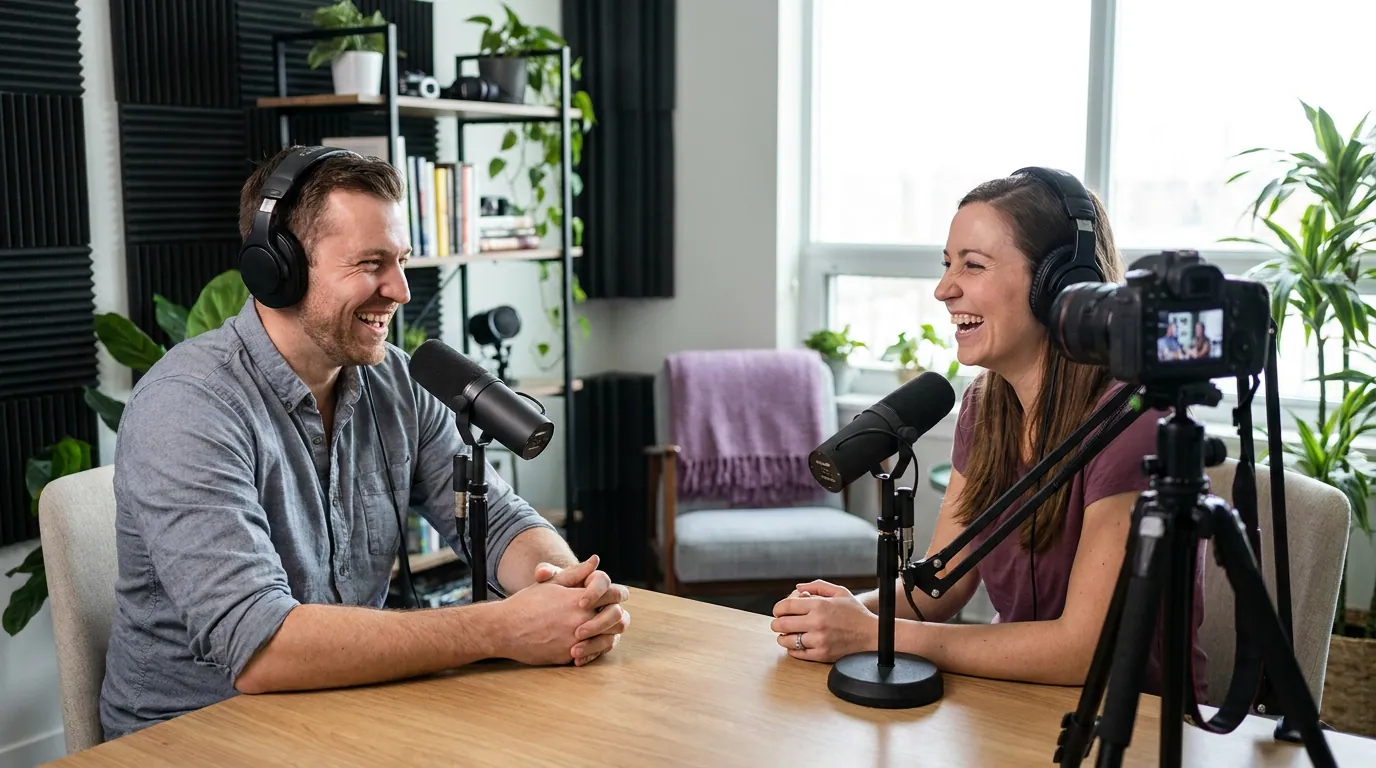
Common b-roll mistakes (and the fix)
Most b-roll problems are one of these five, and each has a one-line fix.
- Cutting away during the best moment. Stay on the face for reactions, punchlines, and emotional beats. Save b-roll for the setup, not the payoff.
- Generic stock that doesn't match the words. If there's no concrete object to show, don't cut away. Filler reads as filler.
- Cutaways held too long. One to three seconds for illustration; return to the speaker. The viewer should never wonder where you went.
- Mismatched look. B-roll shot in different light, resolution, or color sticks out. Capture it in the same setup, same session.
- No b-roll at all on a single-camera show. Then you have nothing to hide your edits, so every trim jumps. Even ten seconds of hand b-roll fixes this.
Do you need extra gear for podcast b-roll?
Almost none. The 20-minute list above uses the camera, lights, and desk you already recorded with, that's the point. A phone on a small tripod is enough for the room and detail shots if your main camera is busy. Sound doesn't matter for b-roll since you'll lay it under your existing audio, so don't worry about your mic here; that decision belongs to the main recording, covered in best podcast mics by budget and the best budget mic under $100. Frame the cutaways with the same care you'd give the main shot, the principles in framing a talking-head podcast apply to a shot of your hands too.
Frequently asked questions
How much b-roll should a video podcast use? Aim for roughly 5–15% of total runtime on a talking-head conversation show, enough to cover your edits and reset attention a couple of times per segment, not enough to feel like a montage. Documentary-style or solo explainer formats can run higher because they're built on visuals. There's no official figure; tune it to your format.
When should I cut away to b-roll versus staying on the host? Cut away to illustrate a concrete thing you're naming, to hide an edit, or to break a long unbroken two-shot. Stay on the face for every reaction, punchline, and emotional beat, those moments are your most clippable content, and b-roll over them kills the payoff.
What b-roll can I shoot myself without stock footage? Your own show: hands gesturing, adjusting headphones, the mic, a wide room shot, a slow desk pan, and details like a notebook, cup, or on-air light. Twenty minutes after a recording, in the same lighting, gives you footage you can reuse all season.
Is b-roll necessary for a single-camera podcast? It's more useful there than on a multi-camera show. With one angle, you have no second camera to cut to when you trim, so every edit jumps on screen. Even a small library of hand and detail shots gives you something to lay over those splices.
How long should each b-roll clip be on screen? Usually one to three seconds for an illustrative cutaway, then back to the speaker. Hold it longer and viewers lose track of the conversation. Capture 8–10 seconds per shot so you have room to trim to the right length.