
Twelve Video Podcast Mistakes and How to Fix Them


Most video podcast mistakes are visible, repeatable, and free to fix. The big five are a bright window behind you, a camera below eye level, soft or hunting focus, your head jammed against the top of the frame, and two cameras that don't match. Each has one on-set cause and one fix you can apply before the next recording, no new gear required. Watch your last episode with the checklist below and triage it in ten minutes.
The reason these errors matter more than they used to: people increasingly watch podcasts rather than just listen. 53% of new US weekly listeners now prefer to watch one, up from 30% in April 2022 (Backlinko), and YouTube reported more than a billion monthly podcast viewers worldwide as of early 2025 (Variety). When the picture is part of the product, a backlit, soft, low-angle frame is the difference between a viewer staying and a viewer scrolling.
Below is the full diagnostic. Each mistake is named by what you actually see on screen, so you can match your footage to it without knowing the jargon.
What is the most common video podcast mistake?
The most common video podcast mistake is a bright window or lamp behind you, which turns your face into a dark silhouette. The camera meters for the bright background and underexposes everything in front of it. The fix costs nothing: turn your desk so you face the window, and let the daylight land on your face.
This single error wrecks more first episodes than any equipment shortfall. A $2,000 camera pointed at a backlit subject still produces a dim, muddy face, while a $300 camera facing a window produces clean, flattering light for free. Daylight from a window is the best free light most people have; the only mistake is sitting in front of it instead of in it.
If you want to go past free window light to something repeatable, a controlled three-light setup removes the weather from the equation. See our walkthrough of three-point lighting for a video podcast.
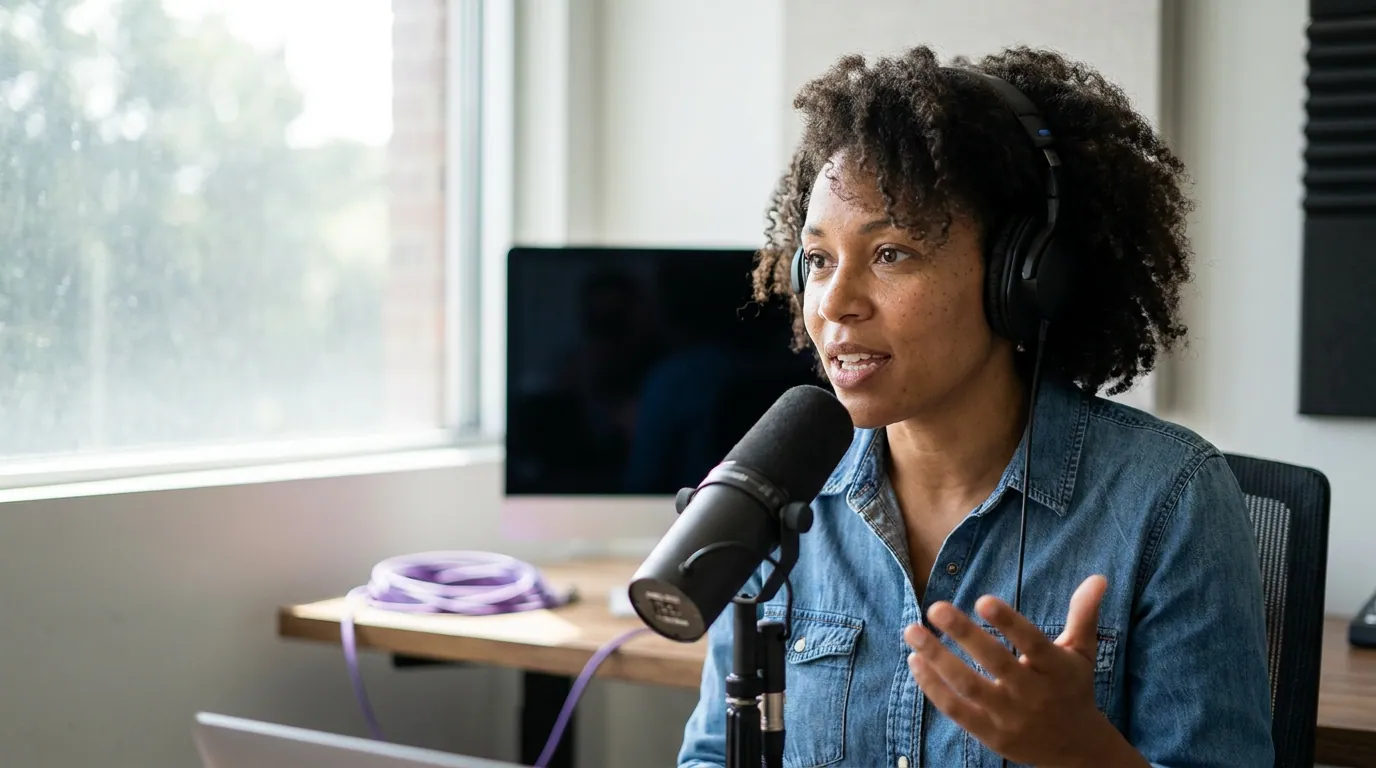
Why does my face look low and unflattering on camera?
Your face looks low and unflattering because the camera is below your eye level, pointing up. A laptop webcam on a desk shoots up your nose and under your chin, an angle nobody looks good in. Raise the camera until the lens sits level with your eyes, or slightly above, and the frame reads as composed.
The desk-laptop angle is the dead giveaway of an unconsidered setup. Stack the laptop or camera on books, a stand, or a proper tripod until the lens lands at eye height. A level or marginally high angle is flattering for almost everyone; a low angle flatters almost no one.
The full twelve, with the cause and the fix
The diagnostic above is the quick reference. Here is each mistake in turn, grouped so you can fix a whole category in one sitting. Read the cause before the fix, the cause is what tells you whether it will happen again.
Light and exposure (mistakes 1, 6, 7)
- 1, Dark face, bright background. Cause: the brightest light is behind you. Fix: face the window or your key light; never sit between it and the camera.
- 6, Brightness pulses through the episode. Cause: auto exposure re-decides every few seconds, so leaning back from a window dims your face. Fix: set exposure manually and lock it for the whole take.
- 7, Grainy, mushy image. Cause: a dim room forces a high ISO, and ISO amplifies noise. Fix: add light first, then drop the ISO. A well-lit room at ISO 400 beats a dark one at ISO 6400 every time. Most "my footage looks cheap" complaints are underexposure, not the camera.
The gap between a $150 and a $1,500 setup is smaller than the gap between a dark, untreated room and a well-lit, considered one. Light is where the money goes furthest.
Focus and framing (mistakes 3, 4, 8, 11)
- 3, Slightly soft, or focus that hunts mid-sentence. Cause: continuous autofocus chasing every gesture. Fix: acquire focus on your face once, then switch to manual or lock it so it stops hunting.
- 4, Head jammed against the top of the frame. Cause: no headroom set before recording. Fix: leave a small gap above your head and put your eyes on the upper-third line. Too much headroom, a ceiling of empty space, is the opposite error and just as common.
- 8, You look tiny and far away. Cause: the camera is too far back or too wide. Fix: your head and shoulders should fill roughly the top third to half of the frame. Move the camera closer or zoom in until you do.
- 11, Busy, cluttered wall right behind you. Cause: the desk is shoved against the wall, so everything is in one flat plane. Fix: pull the desk four to six feet off the wall. The depth lets the background fall slightly soft and stops the clutter from competing with your face.
Framing decisions compound, so it pays to set them deliberately once. Our guide to framing and composition for a talking-head podcast covers headroom, lead room, and the rule of thirds in detail.
Eye contact and the mic (mistakes 9, 10)
- 9, Eyes drifting off to the side. Cause: you are reading notes or a guest on a second monitor that isn't next to the lens. Fix: move your notes, or your guest's window, as close to the camera lens as possible so your gaze stays near it. Looking slightly off is human; looking 30 degrees away the whole episode reads as distracted.
- 10, The mic covers your mouth. Cause: the boom arm has the mic too high and centered in frame. Fix: angle the mic up toward your mouth from below the chin, just out of the lower edge of the frame. You keep good audio and stop the mic from hiding your expressions, which are the moments that make the best clips. If your mic itself is the weak link, our best podcast mics by budget breakdown and the best mic under $100 guide both help.
Multi-camera and sync (mistakes 5, 12)
- 5, Camera A is warmer or brighter than camera B. Cause: each camera ran its own auto white balance and auto exposure, so they disagree. Fix: set both cameras to the same locked Kelvin value and the same manual exposure. Mismatched cameras are jarring on every cut, and there is no clean way to color-match two auto-drifting feeds in post. If you are weighing the second camera at all, read single versus multi-camera podcast first, most shows do not need two.
- 12, Audio and lips drift out of sync. Cause: you recorded audio separately from a mic interface and have no reference point to line them up. Fix: clap once, on camera, at the very start of every recording. That single spike gives you an exact point to align the audio waveform to the video, in any editor, in seconds.
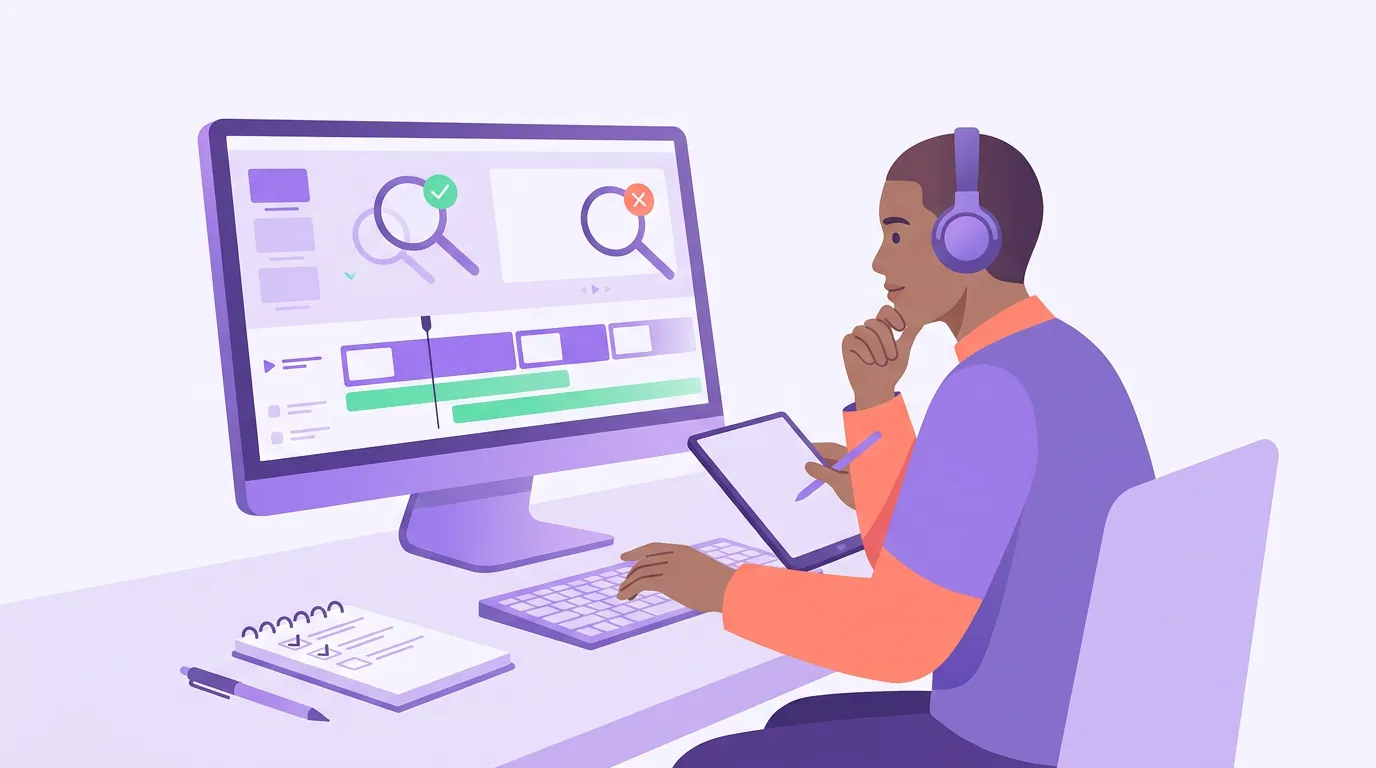
How do I check my own footage for these mistakes?
Watch your most recent episode through once, with the twelve-row table open beside you, and tick every row you can see. Most shows have three or four of these, not twelve. Fix the lighting and camera-height ones first, they are the most visible and cheapest, then handle focus, framing, and sync next session.
Then do one more pass that the big preview screen hides: watch a clip from the episode on your phone, in vertical. Problems that vanish on a wide laptop monitor, a head cut off at the top, a soft face, a mic creeping into frame, a background that's too busy, jump out immediately at clip scale, because that is where most of your audience meets the show. Short-form clips drive a real share of new viewers for video podcasts (castmagic on podcast clips), and the clip is judged in its first second or two. If your frame can survive a phone screen, it can survive anywhere.
FAQ
Do I need to fix all twelve before my next episode? No. Most setups have three or four of these errors, not all twelve. Fix lighting and camera height first, they are the most visible and free, then take focus, framing, the mic, and sync one at a time. Trying to fix everything at once is how people stall before recording.
Is it really the camera, or the lighting? Almost always the lighting. A modest camera in a well-lit room beats an expensive one in a dim, backlit one. If your footage looks cheap, fix the light before you spend on a new body. Underexposure in a dark room is the single most common root cause behind "my video looks bad."
What camera height is correct if I'm standing versus sitting? The lens should sit level with your eyes in whichever position you record. Sitting, that usually means raising the camera off the desk onto a stand or a stack of books. Standing, it means a taller tripod. The rule is the same: eyes meet the lens, never below it.
My two cameras still look different after I matched the settings. Why? Two different camera models render color and contrast differently even at identical settings, especially across brands. Match white balance and exposure first, then do a light color correction in your editor to bring the warmer camera toward the cooler one. Matching cameras of the same model avoids most of this.
How do I keep audio in sync without expensive gear? A clap at the start of the recording is the whole trick. It creates a sharp spike in both the camera's audio and your separate mic recording. Line those two spikes up in any editor and the rest of the episode stays in sync. No timecode hardware required.
Setting up from scratch? Start with filming a video podcast for the first time, then dial in your framing and composition and three-point lighting.